
How to write emails 3× faster by voice
Dictate emails in Gmail, Outlook or Apple Mail and get clean, polite text: a simple structure to speak in, five real examples, and a style that makes every email sound right.
In short
Most people speak about three times faster than they type. With SayVelio, hold the dictation key in the email field, say the email the way you'd tell it to a colleague, and release: the text arrives without "um", with punctuation and paragraphs. A short structure in your head and the Email style do the rest.
Why email is the best place to start
Email is where typing hurts the most: long texts, a careful tone, names that must be spelled right. It's also where dictation pays off fastest. A five-paragraph reply that takes ten minutes to type takes two or three minutes to say.
What stops people is the fear of a messy result: fillers, run-on sentences, a misspelled client name. SayVelio handles exactly that. Cleanup removes the fillers and false starts and adds paragraphs, the dictionary spells names right, and the built-in Email style keeps a polite business tone.
How to dictate an email
- Click in the email body in Gmail, Outlook, Apple Mail or any other app.
- Hold the dictation key and say the email. Pause when you need to think: the recording waits.
- Release the key. In a second or two, the clean text appears where the cursor was.
- Read it once, fix a word if you need to, and send.
The text is inserted into any app on your Mac or Windows PC, and on iPhone and Android through the SayVelio keyboard.
A structure to speak in
You don't need to prepare. Just keep four steps in mind:
- Who and why. "Hi Anna, thanks for the deck."
- The point. What happened or what you think.
- The ask. What you need from them, by when.
- The close. "Talk soon" or "Thanks".
Speak the email itself, not instructions about it. SayVelio writes down what you say and doesn't compose text for you, so "write Anna that I agree" comes out as exactly those words.
Five examples
You said
hi mark thanks for getting back to us so quickly um yes we can do the call on tuesday at ten no sorry eleven your time I'll send the invite today and I'll bring the updated estimate
SayVelio typed
Hi Mark,
Thanks for getting back to us so quickly. Yes, we can do the call on Tuesday at 11 your time. I'll send the invite today and bring the updated estimate.
You said
hi sara just following up on the proposal I sent last thursday did you have a chance to look at it happy to walk you through it on a short call this week
SayVelio typed
Hi Sara,
Just following up on the proposal I sent last Thursday. Did you have a chance to look at it? Happy to walk you through it on a short call this week.
You said
hi tom thank you for thinking of us unfortunately we can't take this project on right now our team is fully booked until february but I'd love to stay in touch and revisit it in the new year
SayVelio typed
Hi Tom,
Thank you for thinking of us. Unfortunately, we can't take this project on right now: our team is fully booked until February. I'd love to stay in touch and revisit it in the new year.
You said
hi both let me introduce you lena runs growth at acme robotics and is looking for a design partner and dan's studio did our onboarding last year and it was great I'll let you take it from here
SayVelio typed
Hi both,
Let me introduce you. Lena runs growth at Acme Robotics and is looking for a design partner, and Dan's studio did our onboarding last year, and it was great.
I'll let you take it from here.
You said
quick update for the week first we shipped the new onboarding second the churn report is ready and it's in the shared folder third we still need a decision on pricing by friday
SayVelio typed
Quick update for the week:
- We shipped the new onboarding.
- The churn report is ready and in the shared folder.
- We still need a decision on pricing by Friday.
Make every email sound right
The built-in Email style already asks for full sentences, a polite tone and paragraphs, and it doesn't invent a greeting or signature you didn't say. Want more? Change the style for your mail apps, for example to always start with the name you dictated, or to keep emails extra short. Ready-made styles to copy are in the guide below.
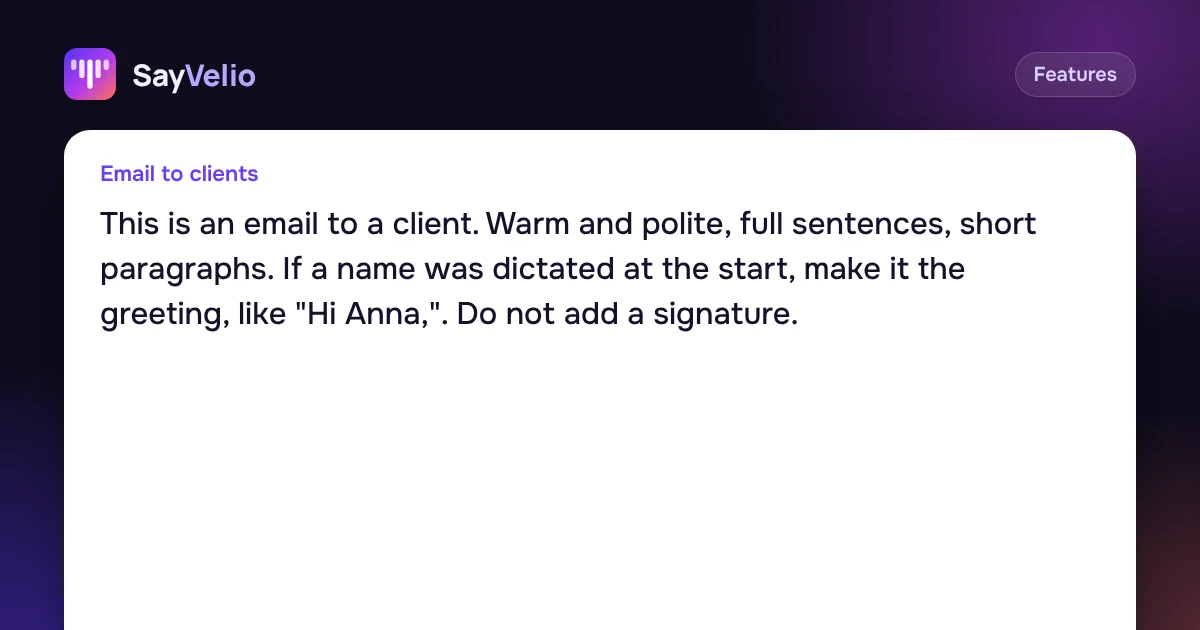 GuideCleanup prompts: one main prompt and a style for each appHow SayVelio turns speech into clean text, how to change the main prompt, and how to give email, chats, code and notes their own style, with examples to copy.
Two more things that save time:
- Names in the dictionary. Add your clients, partners and products once, and they're spelled right in every email.
- Snippets for what you repeat. A signature, your calendar link or bank details are better inserted as snippets than dictated each time.
Which mode to use for email
Balanced handles most emails well. If you often dictate long emails, a minute or more in one go, try Best quality: long dictations go to a stronger model. Details in Fast, Balanced or Best quality: which dictation mode to choose.
Questions
Does it work in Gmail in the browser?
Yes. SayVelio types into any text field, including Gmail and Outlook on the web. App styles are chosen by the app, so in a browser your browser's style applies.
Will SayVelio write the email for me?
No. It writes down what you say and cleans it up. It doesn't invent content, answer for you or change your meaning.
Can I dictate emails in another language?
Yes. SayVelio recognizes 57 languages and detects the language on its own. It never translates.
What if I say something wrong in the middle?
Correct yourself out loud: "on Tuesday, no, on Wednesday". Cleanup keeps only the final version.
Related reading
FeaturesCleanup prompts: one main prompt and a style for each app
How SayVelio turns speech into clean text, how to change the main prompt, and how to give email, chats, code and notes their own style, with examples to copy.
MacWindowsAndroid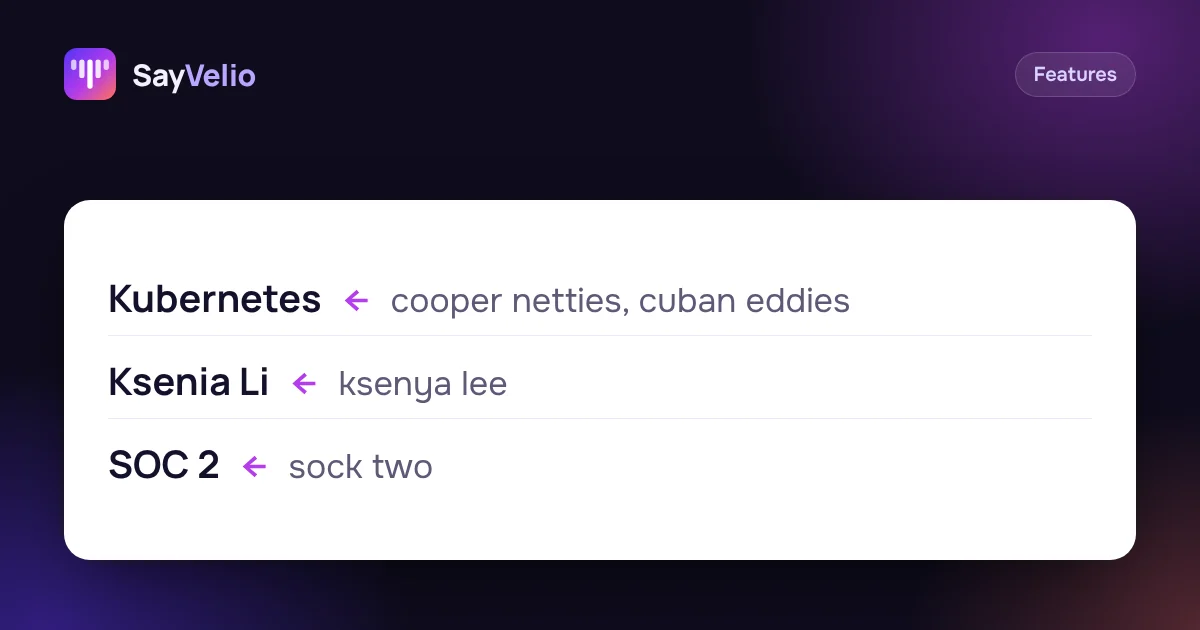 Features
Custom dictionary: teach dictation your names, brands and jargon
What to add to your SayVelio dictionary and what to leave out, how to fix a word that keeps coming out wrong, and why a short dictionary beats a long one.
MacWindowsiPhoneAndroid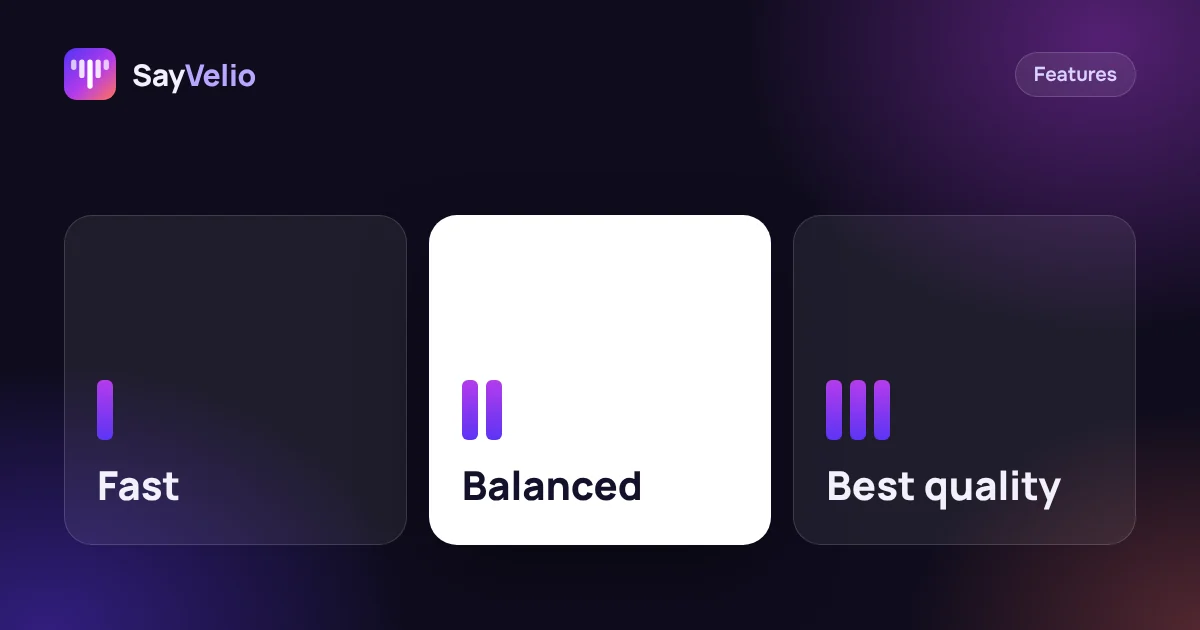 Features
Fast, Balanced or Best quality: which dictation mode to choose
What each SayVelio mode does with your voice, how long it takes, why short phrases skip cleanup, and which mode fits chats, email and long dictations.
MacWindowsiPhoneAndroid