
Custom dictionary: teach dictation your names, brands and jargon
What to add to your SayVelio dictionary and what to leave out, how to fix a word that keeps coming out wrong, and why a short dictionary beats a long one.
In short
Add only the words dictation gets wrong: names of people, companies and products, abbreviations and your team's jargon. If a word still comes out wrong, add how it sounds as a variant. Words you haven't said for 30 days leave the dictionary on their own, and one click brings them back.
You said
ksenia uh the demo for cooper netties moved to thursday can you add it to no shun
SayVelio typed
Ksenia, the demo for Kubernetes moved to Thursday. Can you add it to Notion?
Why dictation gets names wrong
Speech recognition is trained on everyday language. When it hears a word it hasn't met, it writes the closest familiar thing: "Kubernetes" turns into "cooper netties", a client called Ksenia becomes "Kseniya" or "Xenia". No amount of speaking slowly fixes that, because the problem isn't your pronunciation.
The dictionary tells SayVelio which spellings matter to you. It works in two places:
- Before recognition. Your words go to speech recognition as a hint, so it hears them right more often.
- After cleanup. Every variant you listed ("cooper netties") is replaced with the correct spelling ("Kubernetes"). This works in every mode, even Fast, where the text isn't cleaned up.
What to add and what to leave out
| Add | Leave out |
|---|---|
| Names of colleagues, clients and family: Ksenia Li, Arsen | Ordinary words like "meeting" or "invoice" |
| Companies, products and apps: Acme Robotics, Notion | Words that already come out right |
| Abbreviations and codes: SOC 2, CRM, Q4 | Whole phrases and sentences |
| Terms of your field and team jargon | Words you'll only say once |
A simple rule: add a word the second time dictation gets it wrong, not in advance. Long blocks of text you repeat often, like an address or bank details, belong in snippets, not in the dictionary.
How to add a word
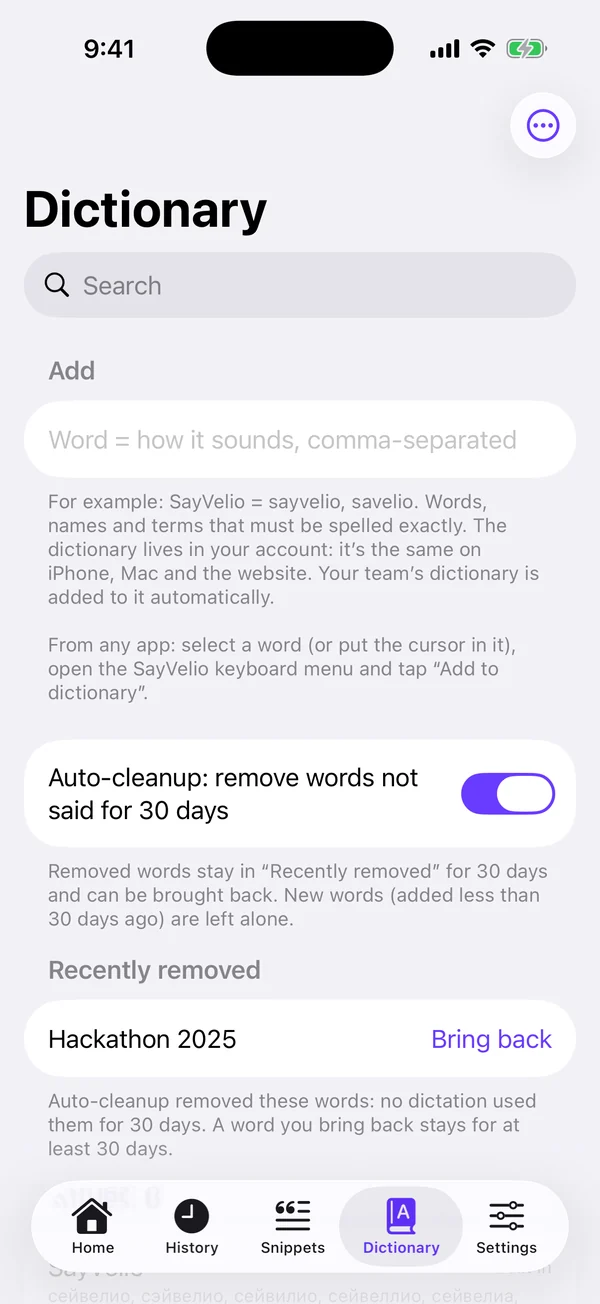
- Open Dictionary in the SayVelio app on any device, or in your account at app.sayvelio.com.
- Type the word exactly as it should appear in text: capital letters, spaces, digits. "SOC 2", not "soc two".
- Save. The dictionary follows your account, so the word reaches your other devices within a couple of minutes.
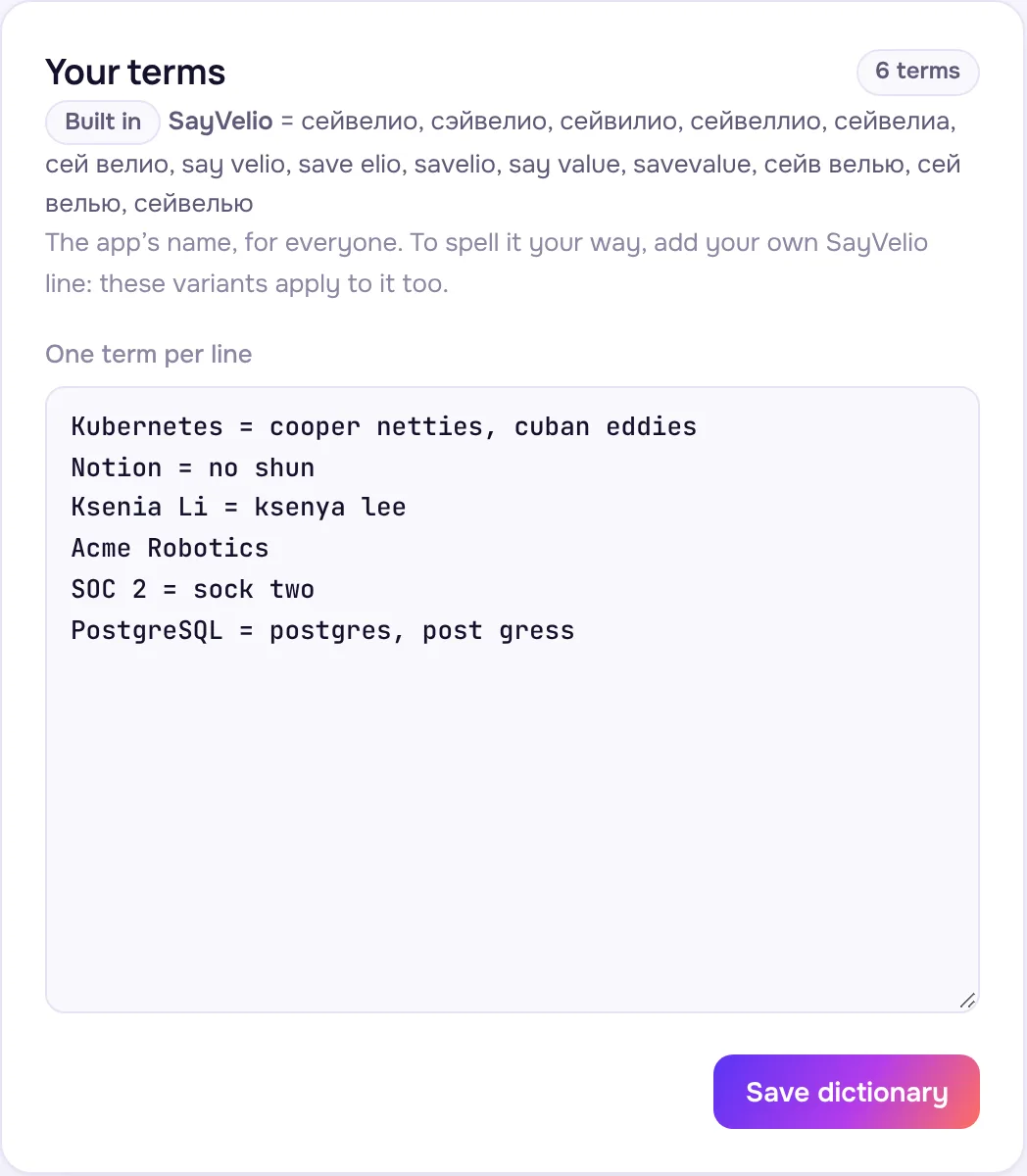
On iPhone you can also add a word straight from the SayVelio keyboard, without leaving the app you're typing in.
Variants: tell SayVelio how a word sounds
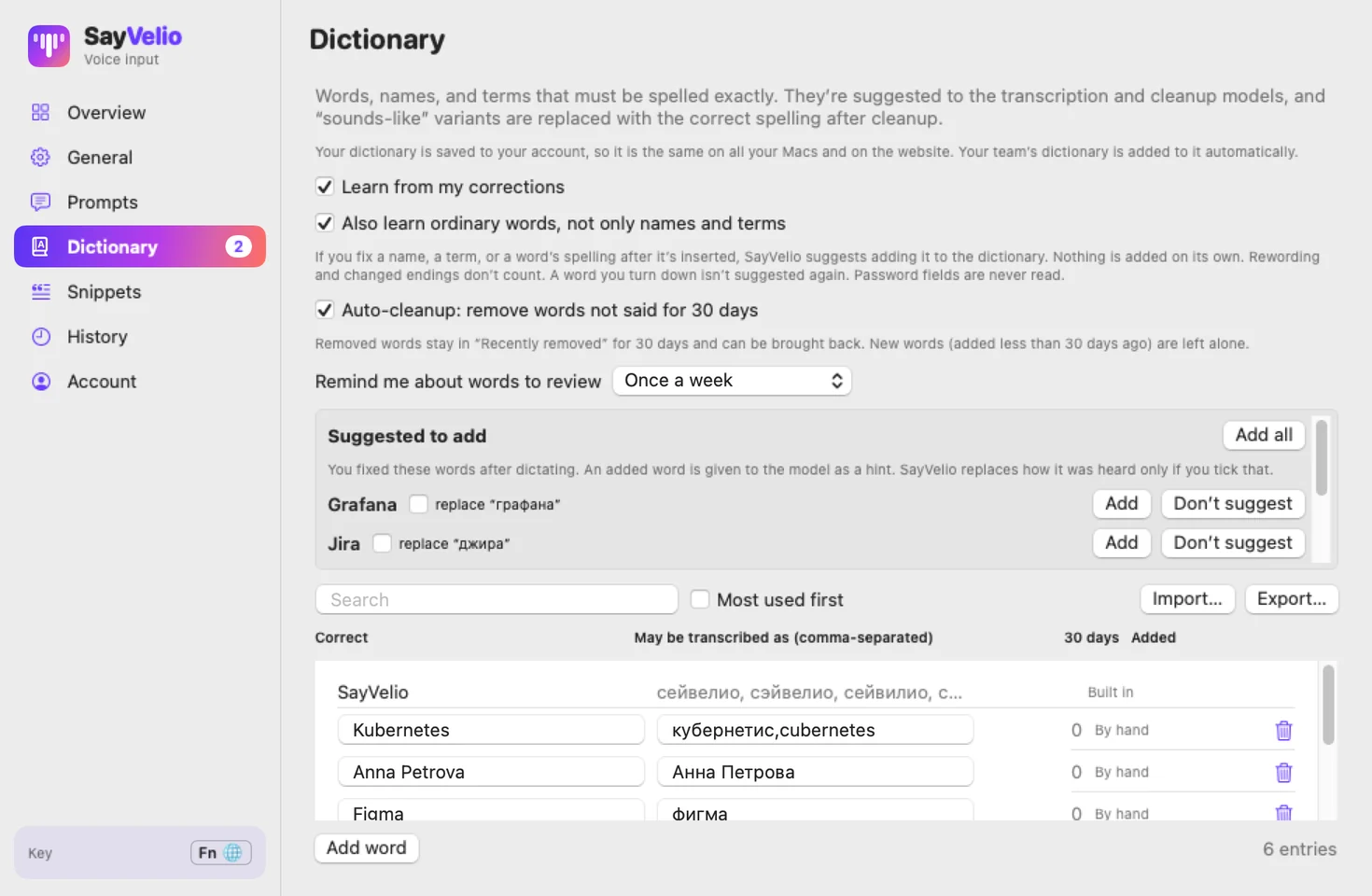
If a word still comes out wrong, open History, see how it was misheard, and add exactly that as a variant. In the app the field is called May be transcribed as; in your account, put the variants after an equals sign, separated by commas:
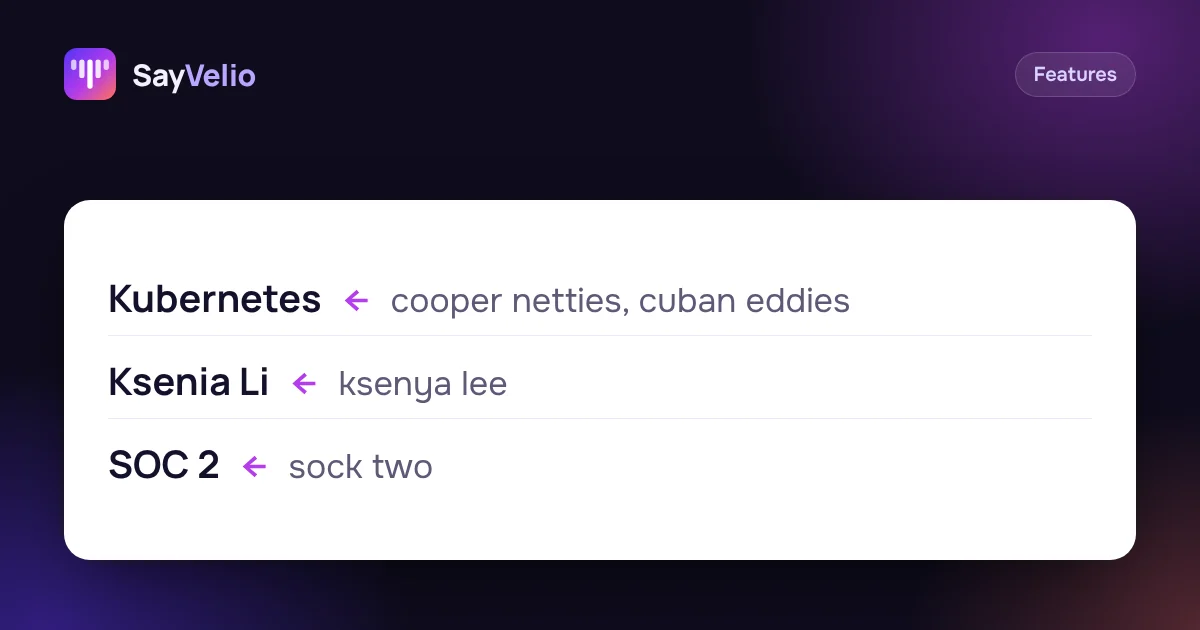
Kubernetes = cooper netties, cuban eddies
Ksenia Li = ksenya lee
SOC 2 = sock two
Don't use an ordinary word as a variant. If "notion" is a variant of Notion, every "notion" in your text becomes the brand name.
Import a whole list
Already have a list of clients from your CRM or products from a price list? Import it in one go with Import list in the app, or paste it into the field in your account:
- one word per line;
- variants after a colon, "=" or a tab, separated by commas;
- a CSV file works too: the first column is the word, the others are variants;
- lines starting with # are skipped, and words you already have aren't duplicated: they just get the new variants.
Why a short dictionary works better
The hint that goes to speech recognition has a size limit. With hundreds of words, only part of them fits, so SayVelio puts first the words you said most often over the last 30 days. Words you never say just take up room.
That's why the dictionary tidies itself up. A word you haven't said on any device for 30 days (and that has been in the dictionary for at least 30 days) is removed automatically. It waits 30 days under Recently removed, where Bring back returns it. If you'd rather decide yourself, turn auto-cleanup off: such words will only be suggested for removal. The SayVelio name and your team's words are never removed.
On Mac, SayVelio also notices words you fix by hand right after dictating and suggests them for the dictionary, so you approve a short list instead of typing words in.
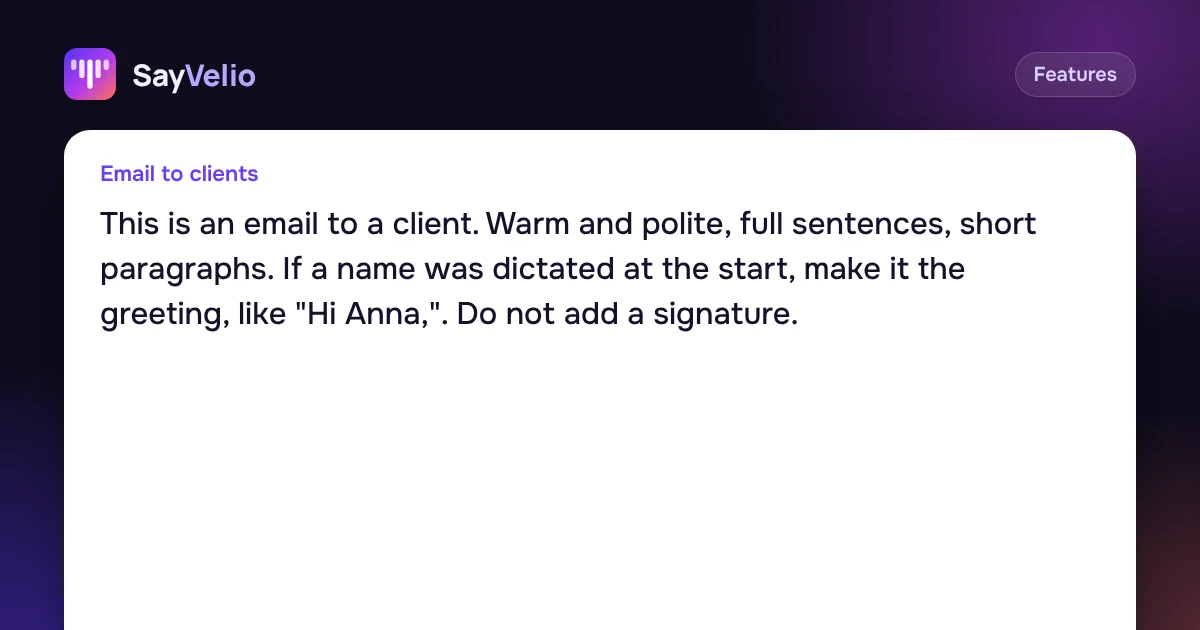 GuideCleanup prompts: one main prompt and a style for each appHow SayVelio turns speech into clean text, how to change the main prompt, and how to give email, chats, code and notes their own style, with examples to copy.
A dictionary for the whole team
In a team, the admin keeps a shared team dictionary: product names, client names and internal jargon are spelled the same for everyone, from the first day of a new hire. Your personal words still work on top of it. More in the team dictionary guide.
Questions
How many words can I add?
There's no hard limit, but the most accurate dictionary holds the words you actually say. Dozens of live words work better than hundreds of forgotten ones.
Does the dictionary work in every language?
Yes. Words can be in any language and script, and you can mix them: an English product name in a Russian or German sentence keeps its spelling.
Is it the same on all my devices?
Yes. The dictionary belongs to your account, so Mac, Windows, iPhone and Android all use the same words.
Does it work without the internet?
Yes. With the offline model there's no cleanup, but dictionary hints and variants still apply.
Related reading
FeaturesCleanup prompts: one main prompt and a style for each app
How SayVelio turns speech into clean text, how to change the main prompt, and how to give email, chats, code and notes their own style, with examples to copy.
MacWindowsAndroid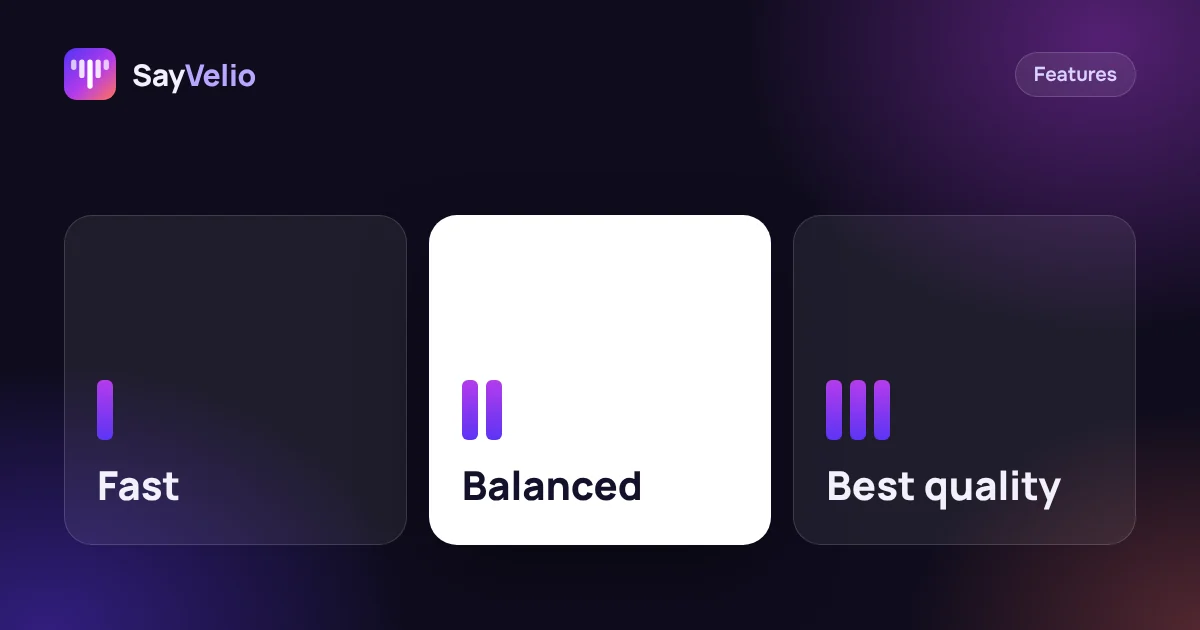 Features
Fast, Balanced or Best quality: which dictation mode to choose
What each SayVelio mode does with your voice, how long it takes, why short phrases skip cleanup, and which mode fits chats, email and long dictations.
MacWindowsiPhoneAndroid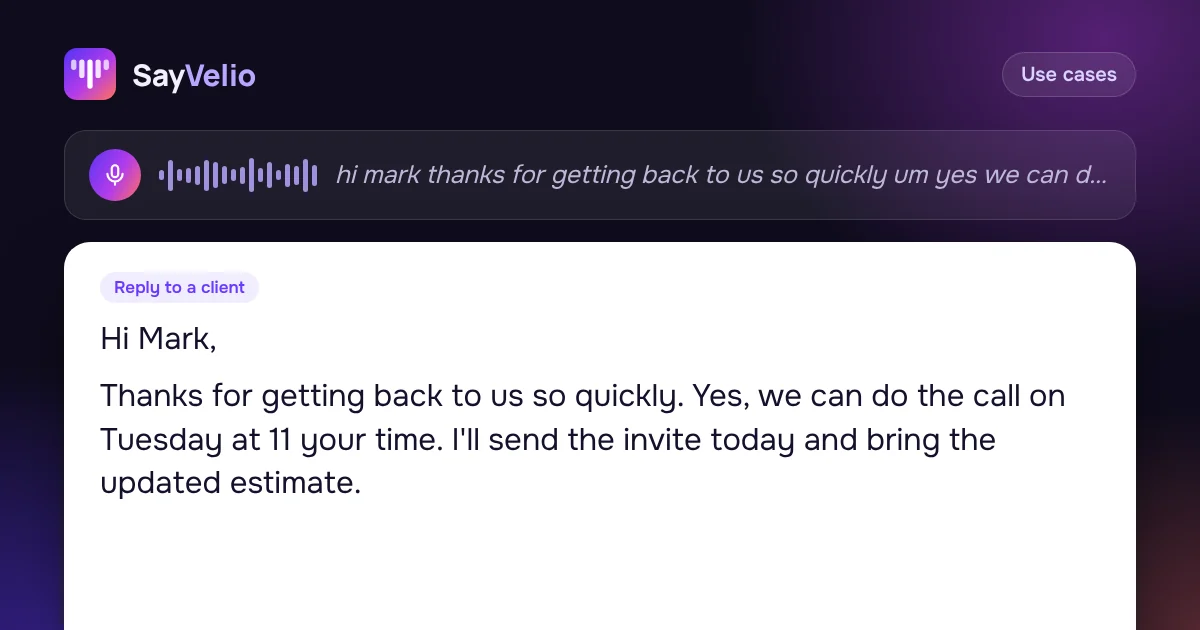 Use cases
How to write emails 3× faster by voice
Dictate emails in Gmail, Outlook or Apple Mail and get clean, polite text: a simple structure to speak in, five real examples, and a style that makes every email sound right.
MacWindowsiPhoneAndroid