
Fast, Balanced or Best quality: which dictation mode to choose
What each SayVelio mode does with your voice, how long it takes, why short phrases skip cleanup, and which mode fits chats, email and long dictations.
In short
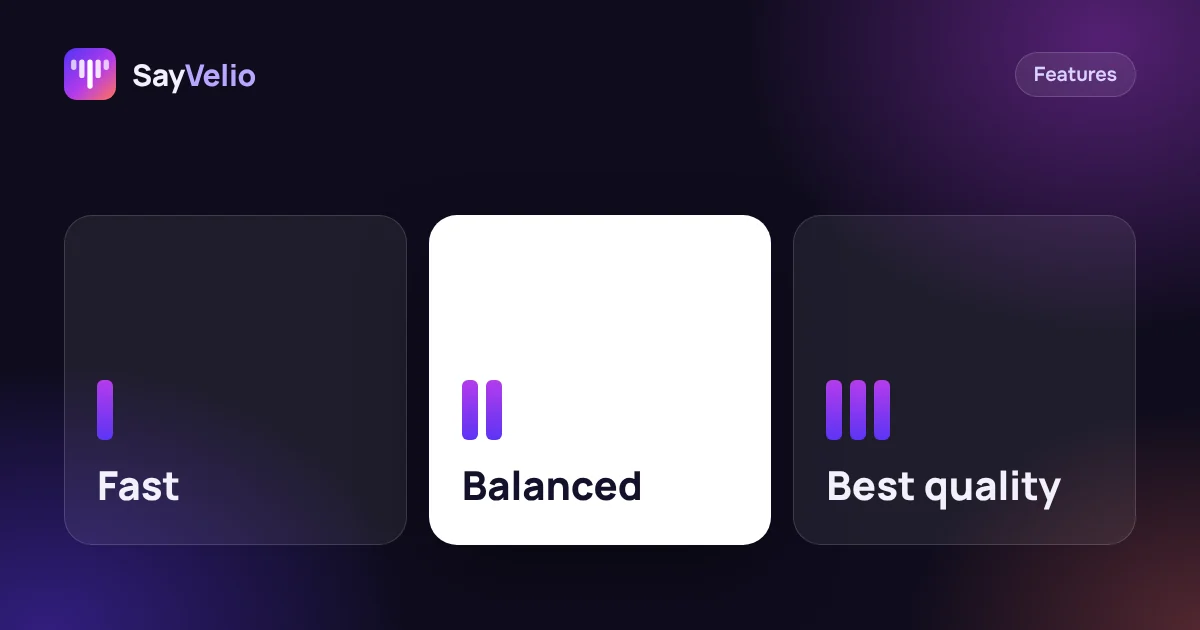
Fast only recognizes speech and inserts the text right away, without cleanup. Balanced also cleans up the text, except very short phrases. Best quality works like Balanced but sends long dictations to a stronger model. Balanced is the default and suits most people; pick Fast for quick chats and Best for long emails and documents.
Three modes, three steps
Each mode adds one step to the previous one:
| Mode | What happens | Best for |
|---|---|---|
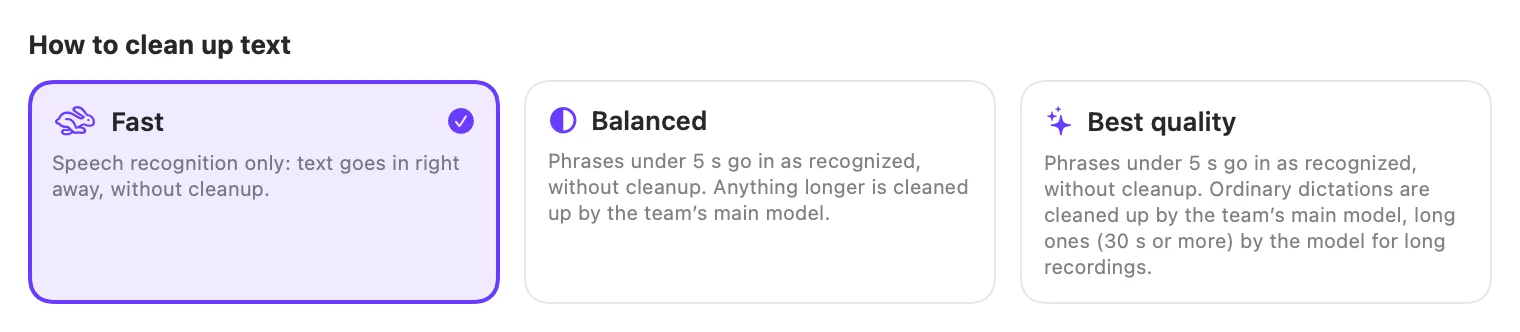
| Fast | Speech recognition only. The text goes in right away, without cleanup. Dictionary variants still apply | Chats, search boxes, short replies, when every second counts |
| Balanced | Phrases shorter than a few seconds go in as recognized; anything longer is cleaned up | Most people, most of the day: the default |
| Best quality | Like Balanced, and long dictations go to a stronger model that writes better | Long emails, documents, notes after a meeting |
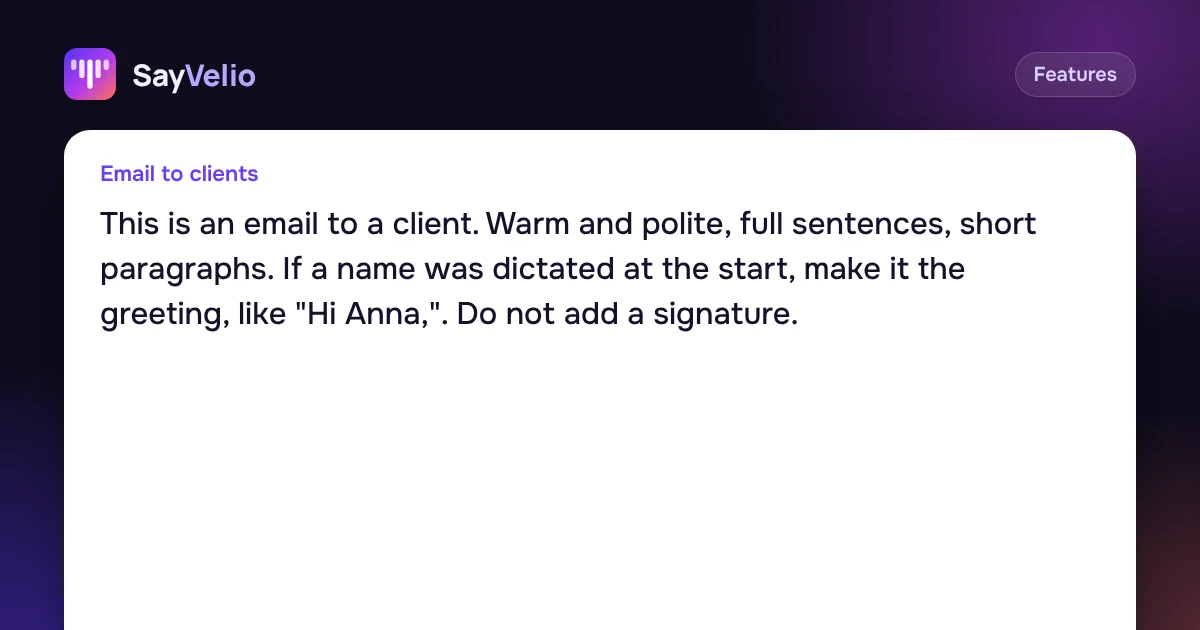
Cleanup is what removes "um", fixes self-corrections and adds punctuation and paragraphs. How it works and how to tune it is in Cleanup prompts: one main prompt and a style for each app.
Why short phrases skip cleanup
A short phrase like "sounds good, see you at five" is almost always recognized without mistakes, and there's nothing to clean up. Sending it through cleanup would only add a pause. So in Balanced and Best quality, dictations shorter than a set number of seconds (5 by default) go in exactly as recognized, and you get them instantly.
You can change that number in your account under Settings → Clean up from. Set it lower if you want even short phrases polished, or higher if you mostly write quick messages. Leave the field empty to use SayVelio's default.
You said
sounds good see you at five
SayVelio typed
Sounds good, see you at five
Which mode to choose
- You mostly chat in Slack, Telegram or WhatsApp: Fast or Balanced. Messages are short, and the Messaging style keeps them casual. See dictating in work chats.
- You write email and documents: Balanced, or Best quality if you often dictate for a minute or more in one go.
- You dictate prompts for AI assistants: Balanced. Long prompts get cleaned up, and every detail stays. See Voice prompts for ChatGPT and Claude: say more, get better answers.
- Your internet is slow or you're offline: Fast with the offline model. Short phrases are recognized right on the device.
Where to switch the mode
- Mac: on the Overview page of the SayVelio app.
- iPhone, Android and Windows: in the app's settings.
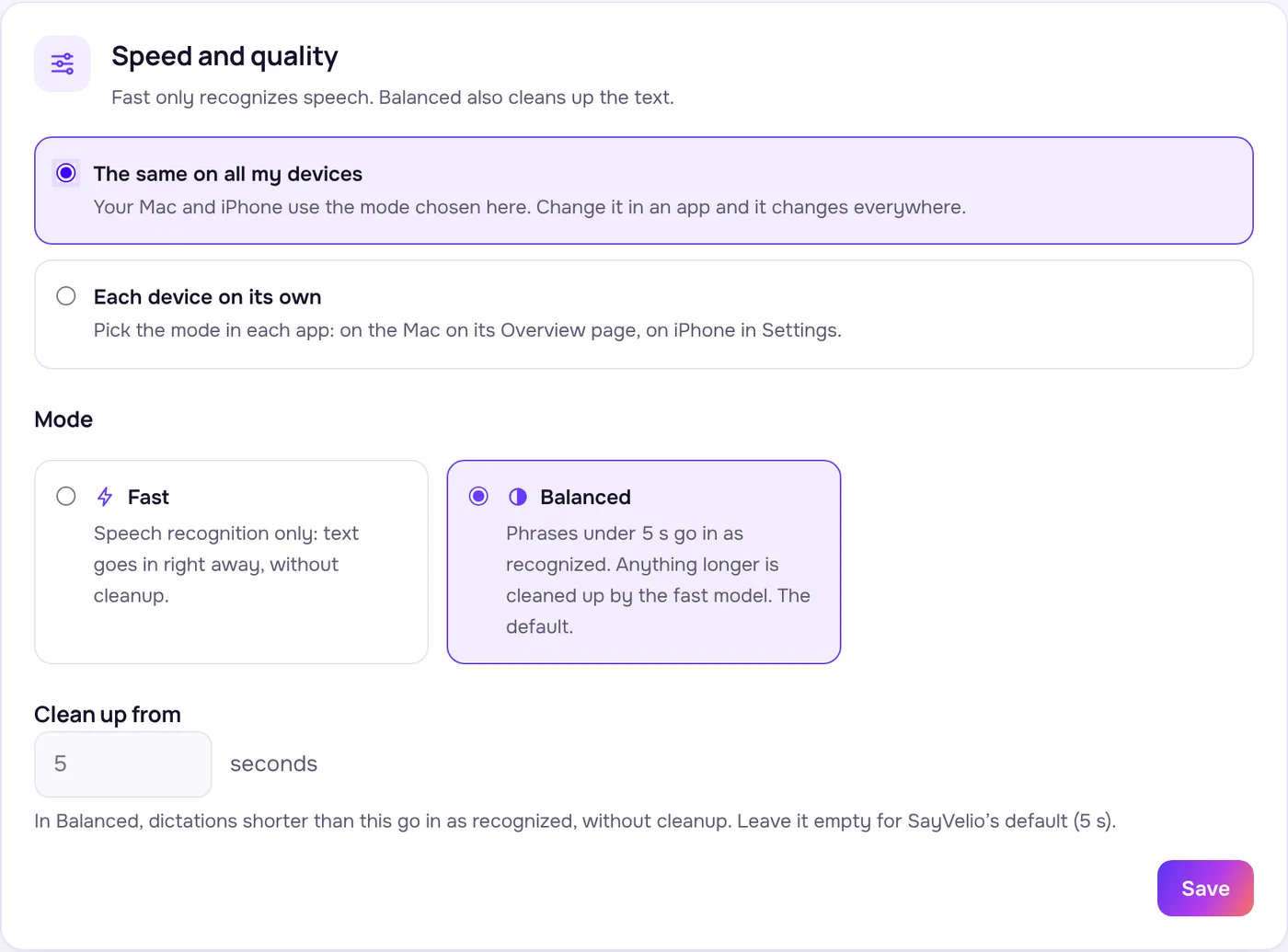
- Your account: at app.sayvelio.com under Settings, choose The same on all my devices and pick the mode once. Change it in any app later, and it changes everywhere.
Tip
On the free trial you get two modes: Fast and Balanced. Best quality comes with Pro and team plans, and teams that use their own keys can choose the models for each step. See Pricing.
Fast mode on the device
If you've downloaded the offline model, you can let Fast recognize short phrases right on your device. That's handy on a weak connection: no round trip to the cloud. Long recordings still go to cloud recognition while you're online, so they stay accurate.
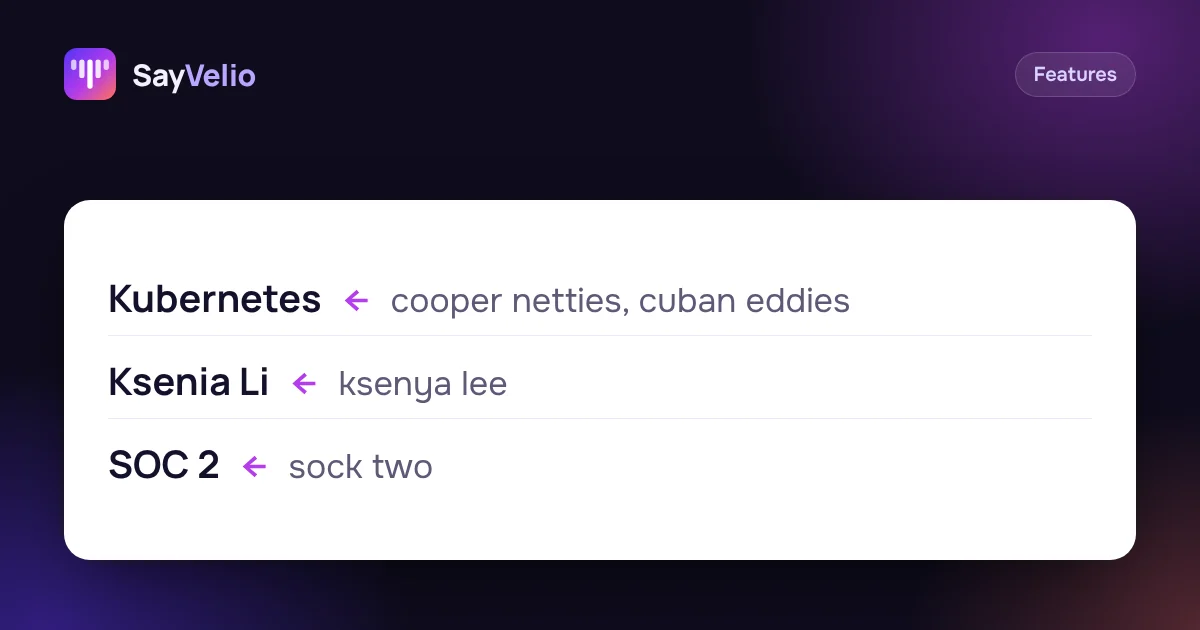 GuideCustom dictionary: teach dictation your names, brands and jargonWhat to add to your SayVelio dictionary and what to leave out, how to fix a word that keeps coming out wrong, and why a short dictionary beats a long one.
Questions
Which mode is the default?
Balanced. Short phrases go in as recognized, everything longer is cleaned up.
Does the dictionary work in Fast mode?
Yes. Recognition gets the dictionary hint, and variants are replaced with the correct spelling. Only cleanup is skipped.
Why did a short message come without punctuation?
It was shorter than the cleanup threshold, so it went in as recognized. Lower Clean up from in your account settings if you want short phrases cleaned up too.
Can different devices use different modes?
Yes. Choose Each device on its own in your account settings, then pick a mode in each app.
Related reading
 Features
Cleanup prompts: one main prompt and a style for each app
How SayVelio turns speech into clean text, how to change the main prompt, and how to give email, chats, code and notes their own style, with examples to copy.
MacWindowsAndroidFeaturesCustom dictionary: teach dictation your names, brands and jargon
What to add to your SayVelio dictionary and what to leave out, how to fix a word that keeps coming out wrong, and why a short dictionary beats a long one.
MacWindowsiPhoneAndroid Use cases
How to write emails 3× faster by voice
Dictate emails in Gmail, Outlook or Apple Mail and get clean, polite text: a simple structure to speak in, five real examples, and a style that makes every email sound right.
MacWindowsiPhoneAndroid