
Voice prompts for ChatGPT and Claude: say more, get better answers
Why spoken prompts give AI assistants better answers, a four-part structure to speak in, real examples, and a style that keeps every detail of your prompt when you dictate it.
In short
AI assistants answer better when they get more context, and context is exactly what we skip when we type. Dictate your prompts instead: say the goal, the background, the limits and the format you want, in your own words. SayVelio cleans up the speech without dropping details and never answers the prompt itself, so what you said is what the assistant gets.
You said
i need a plan for a product launch email um the product is a dictation app for mac and windows the audience is small business owners who already tried it keep it under 150 words friendly tone no exclamation marks and give me three subject lines
SayVelio typed
I need a plan for a product launch email.
- The product is a dictation app for Mac and Windows.
- The audience is small business owners who already tried it.
- Keep it under 150 words, friendly tone, no exclamation marks.
- Give me three subject lines.
Why speaking beats typing for prompts
When we type a prompt, we keep it short: "write a launch email". The assistant has to guess the product, the audience and the tone, and the answer comes out generic. When we speak, we explain naturally, the way we'd brief a colleague, and that is exactly the context the model needs.
Speaking is also about three times faster than typing, so a detailed prompt costs you half a minute instead of five.
A structure to speak in
- The goal. What you need: "I need a plan for…", "Help me rewrite…".
- The background. Who it's for, what you've already tried, what matters.
- The limits. Length, tone, what to avoid.
- The format. A list, a table, three options, code only.
You don't need to follow it word by word. Just mention each part once and the prompt will be far better than a typed one-liner.
SayVelio writes your prompt, it doesn't answer it
Cleanup follows a firm rule: dictation is not a chat. If you say "write me a launch email", SayVelio inserts the words "Write me a launch email" for the assistant, it doesn't write the email itself. Questions stay questions, requests stay requests, and nothing is dropped or reworded.
Add a style for AI assistants
The built-in styles cover email, chats, code and notes. For ChatGPT, Claude and other assistants, add your own style so long prompts keep every detail and turn steps into lists. Open Prompt → App styles in your account or Prompts in the app, add the assistant apps and paste this:
This is a prompt for an AI assistant. Keep every detail and requirement that was dictated, in the same order. Put steps and constraints in a list. Don't add a greeting.
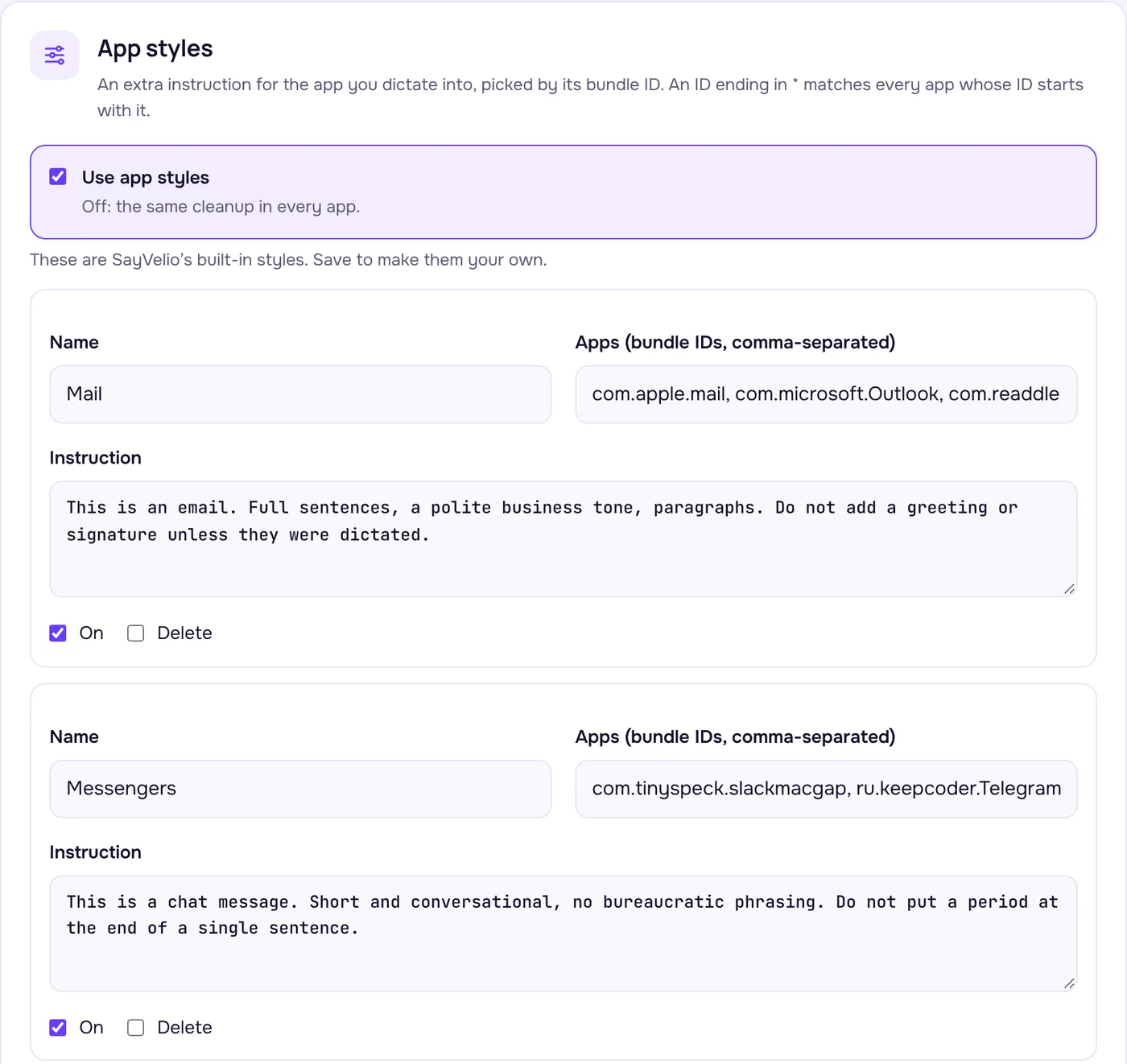
Styles are chosen by app, not by website: if you use ChatGPT or Claude in a browser, add the browser to the style, or use their desktop apps. More in the cleanup prompts guide.
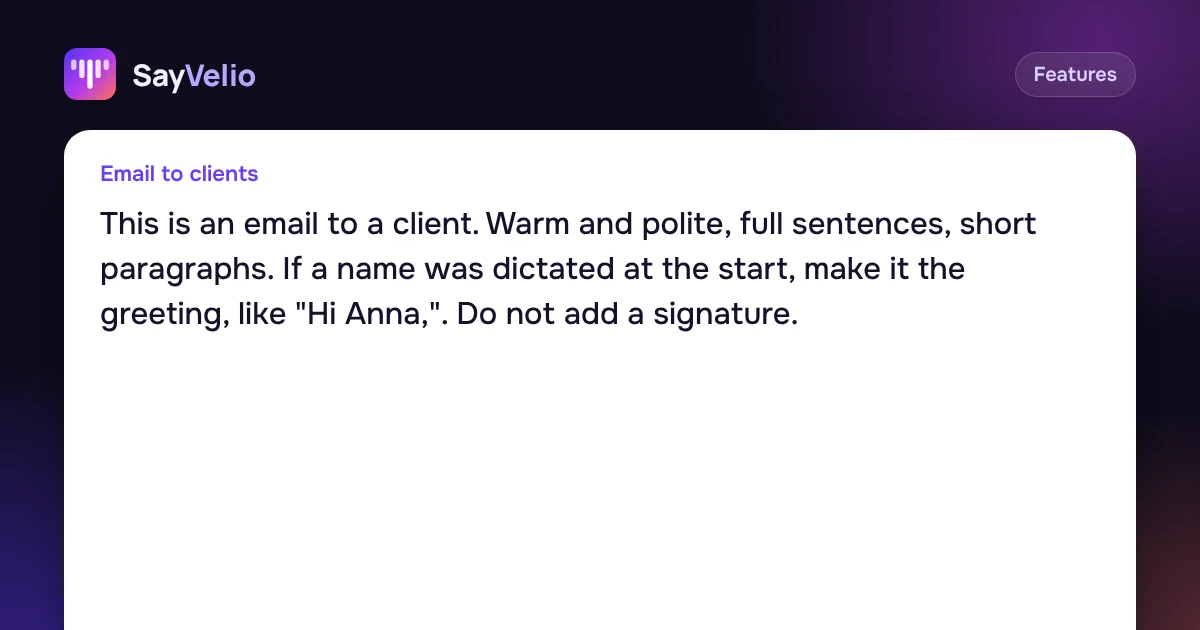 GuideCleanup prompts: one main prompt and a style for each appHow SayVelio turns speech into clean text, how to change the main prompt, and how to give email, chats, code and notes their own style, with examples to copy.
Tips for better voice prompts
- Say what you'd tell a colleague. Background, examples, what went wrong last time. More context means a better answer.
- Correct yourself out loud. "Under 200 words, no, 150" keeps only 150.
- Put technical terms in the dictionary. Library names, product names and internal terms come out right. See the dictionary guide.
- Use Balanced or Best quality. Prompts are usually long enough to get cleaned. If you often dictate a minute or more, Best quality sends long dictations to a stronger model. See the modes guide.
- In code editors, the built-in Code and terminal style keeps function, file and command names exact, so you can dictate prompts to coding assistants too.
Questions
Will SayVelio answer my question instead of writing it?
No. It inserts your words for the assistant. Cleanup never answers questions or carries out requests from your dictation.
Does it work in the ChatGPT and Claude apps?
Yes. SayVelio types into any text field: the desktop apps, the websites, and on iPhone and Android through the SayVelio keyboard.
Can I dictate prompts in another language?
Yes. SayVelio recognizes 57 languages, detects the language by itself and never translates. A prompt in Spanish arrives in Spanish.
Will cleanup shorten my long prompt?
No. Cleanup removes fillers and false starts but keeps your meaning and details. It doesn't shorten or reword.
Related reading
FeaturesCleanup prompts: one main prompt and a style for each app
How SayVelio turns speech into clean text, how to change the main prompt, and how to give email, chats, code and notes their own style, with examples to copy.
MacWindowsAndroid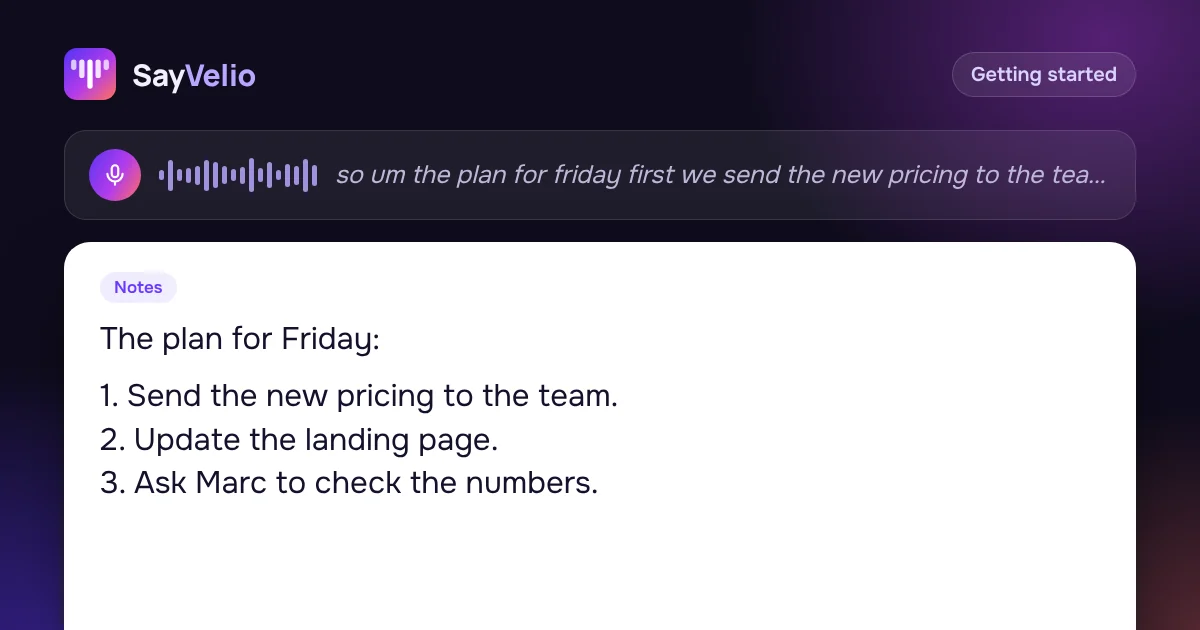 Getting started
How to dictate well: 9 habits for clean voice typing
How to speak so dictation gets it right the first time: hold the key, say whole thoughts, correct yourself out loud, dictate lists, and what to do when a word comes out wrong.
MacWindowsiPhoneAndroid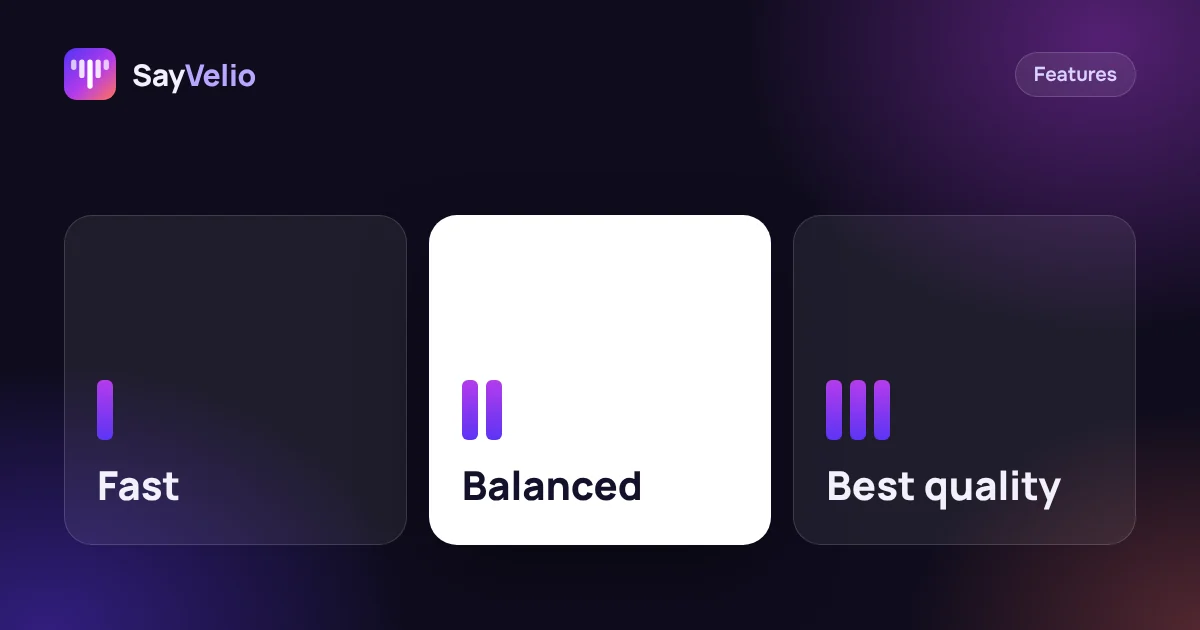 Features
Fast, Balanced or Best quality: which dictation mode to choose
What each SayVelio mode does with your voice, how long it takes, why short phrases skip cleanup, and which mode fits chats, email and long dictations.
MacWindowsiPhoneAndroid