
How to dictate well: 9 habits for clean voice typing
How to speak so dictation gets it right the first time: hold the key, say whole thoughts, correct yourself out loud, dictate lists, and what to do when a word comes out wrong.
In short
Click where the text should go, hold the dictation key, say a whole thought the way you'd say it to a person, and release. Don't slow down and don't say punctuation: cleanup adds it. Correct yourself out loud ("Tuesday, no, Wednesday"), say lists as "first, second, third", and add words that keep coming out wrong to the dictionary.
You said
so um the plan for friday first we send the new pricing to the team second we update the landing page and third we ask anna no sorry ask marc to check the numbers
SayVelio typed
The plan for Friday:
- Send the new pricing to the team.
- Update the landing page.
- Ask Marc to check the numbers.
1. Put the cursor where the text goes
SayVelio inserts text wherever your cursor is: an email, a chat, a document, a search field. Click into the field first, then dictate. On iPhone and Android, switch to the SayVelio keyboard in the field you're typing in.
2. Hold, speak, release
On a Mac, hold the dictation key (right ⌥ by default) while you talk and release it when you're done. On Windows it's right Ctrl. You can change the key in the app's settings. On a phone, use the microphone button on the SayVelio keyboard.
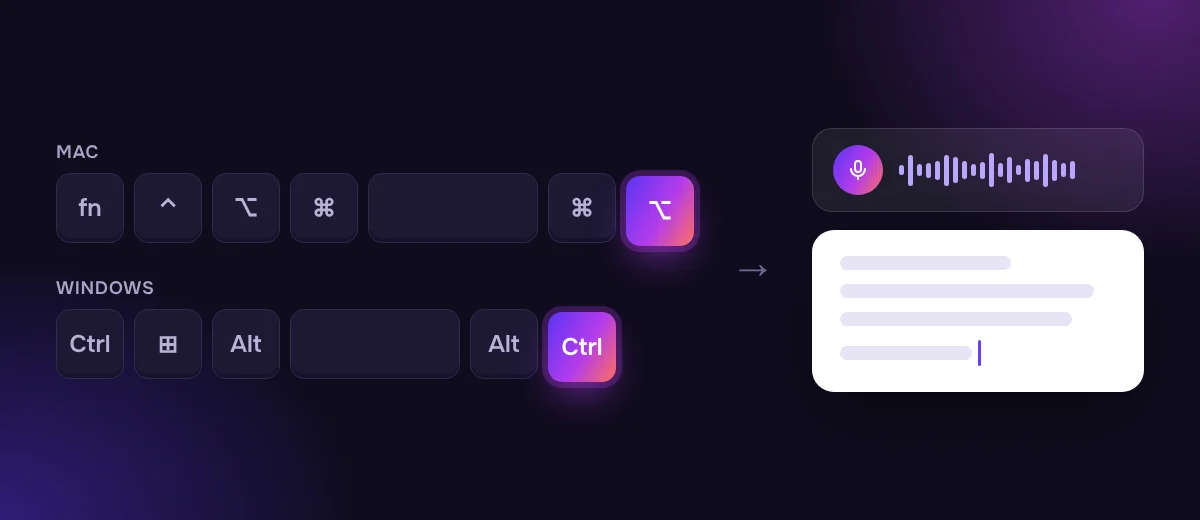
3. Think first, then say the whole thought
Dictation works best with complete thoughts. Take a second to know what you want to say, then say it in one go. Pauses in the middle are fine: the recording keeps going while you hold the key, and cleanup removes the "um"s you make while thinking.
4. Speak normally, not slowly
You don't need to speak like a news anchor. Speech recognition is trained on natural speech, so your normal pace and your normal voice work best. Slow, over-pronounced words can actually make it worse. If a name keeps coming out wrong, the fix is the dictionary, not slower speech.
5. Don't say punctuation
Cleanup adds commas, periods, question marks and paragraphs from how you speak. Just talk. Questions get a question mark, a new topic gets a new paragraph.
6. Correct yourself out loud
Got something wrong in the middle of a sentence? Don't stop and start over: just say the right version. "Let's meet at ten, no, eleven" becomes "Let's meet at 11." Cleanup keeps only your final version.
7. Say lists as lists
"First… second… third…" or "one… two… three…" turns into a numbered list. This works great for agendas, to-do lists and status updates.
8. Say the text, not instructions
SayVelio writes down what you say. It isn't a chatbot: "write Anna that I agree" comes out as exactly those words, not as a message to Anna. Say the message itself: "Hi Anna, I agree, let's go ahead."
9. Check History when something goes wrong
Every dictation is saved in History in the app, with a Copy button. If the text didn't land (for example, you clicked away while it was being processed), take it from there. On Mac and Windows, the last dictation also stays on the clipboard, so ⌘V or Ctrl+V pastes it again.
Tip
A headset or AirPods microphone usually hears you better than a laptop microphone in a noisy café or open office.
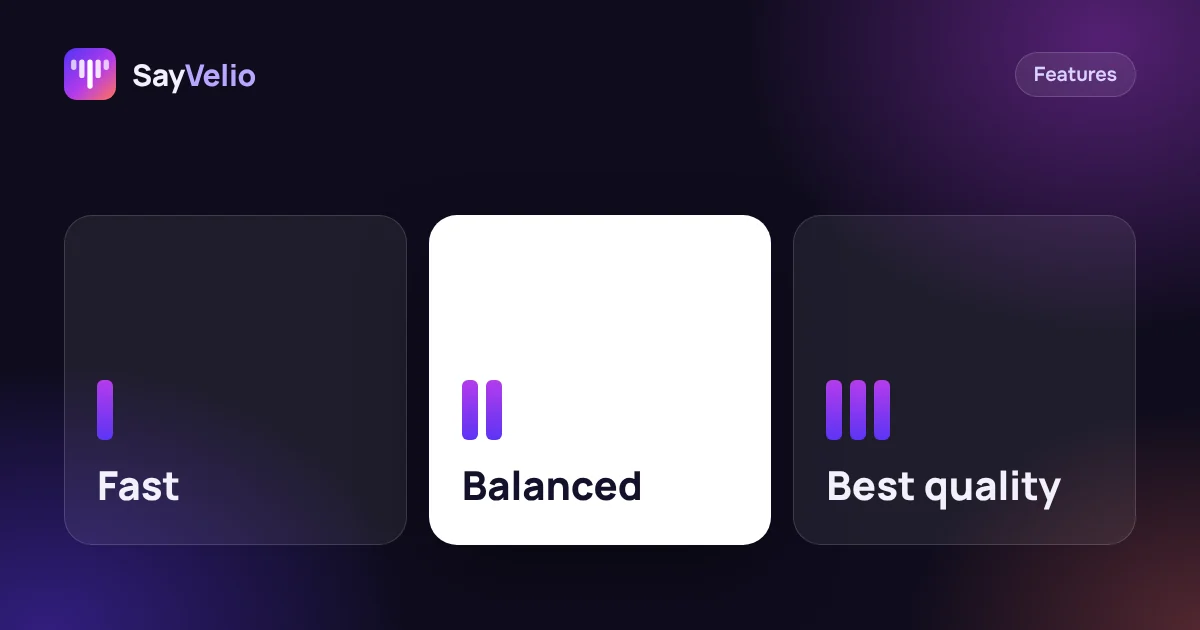 GuideFast, Balanced or Best quality: which dictation mode to chooseWhat each SayVelio mode does with your voice, how long it takes, why short phrases skip cleanup, and which mode fits chats, email and long dictations.
Mixed languages are fine
SayVelio recognizes 57 languages and detects the language by itself. You can switch languages between dictations or mix an English product name into another language: cleanup keeps everything in the language you spoke and never translates.
Questions
Why did a short message arrive without punctuation?
Very short dictations skip cleanup for speed and arrive as recognized. You can change this threshold in your account settings. See the modes guide.
Can I dictate for a long time in one go?
Yes. Hold the key for as long as you speak. For long dictations, the Best quality mode sends the text to a stronger model.
Does it work in every app?
Yes, in any text field on Mac and Windows, and in any app on iPhone and Android through the SayVelio keyboard.
What if it keeps misspelling a name?
Add the name to your dictionary, and if needed, add how it was heard as a variant. See the dictionary guide.
Related reading
FeaturesFast, Balanced or Best quality: which dictation mode to choose
What each SayVelio mode does with your voice, how long it takes, why short phrases skip cleanup, and which mode fits chats, email and long dictations.
MacWindowsiPhoneAndroid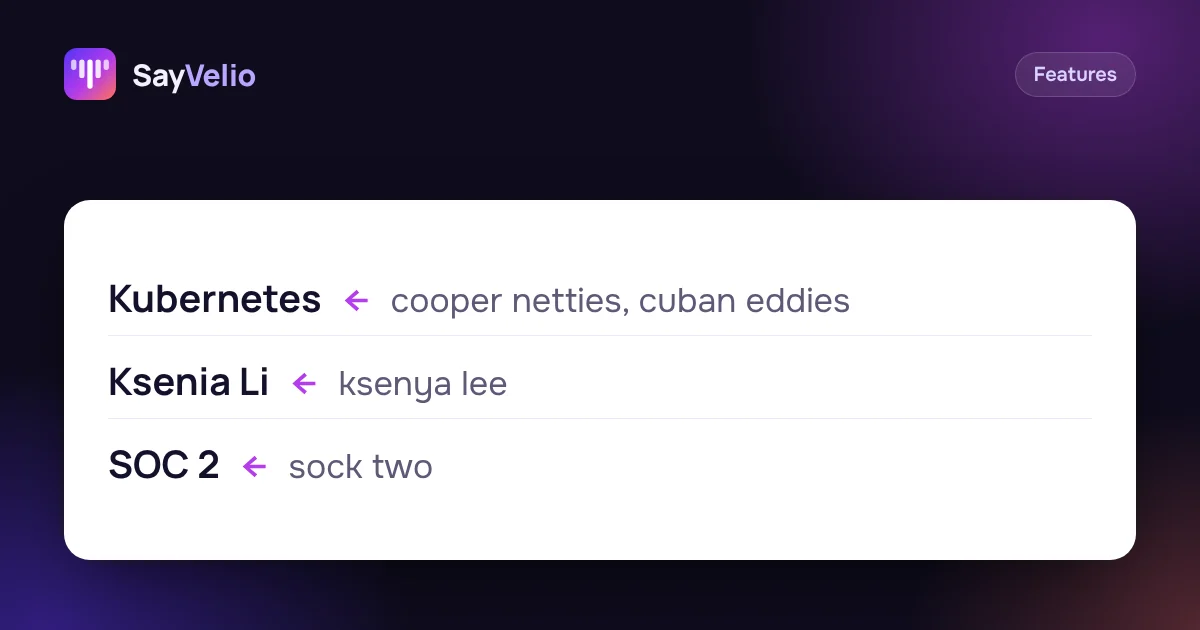 Features
Custom dictionary: teach dictation your names, brands and jargon
What to add to your SayVelio dictionary and what to leave out, how to fix a word that keeps coming out wrong, and why a short dictionary beats a long one.
MacWindowsiPhoneAndroid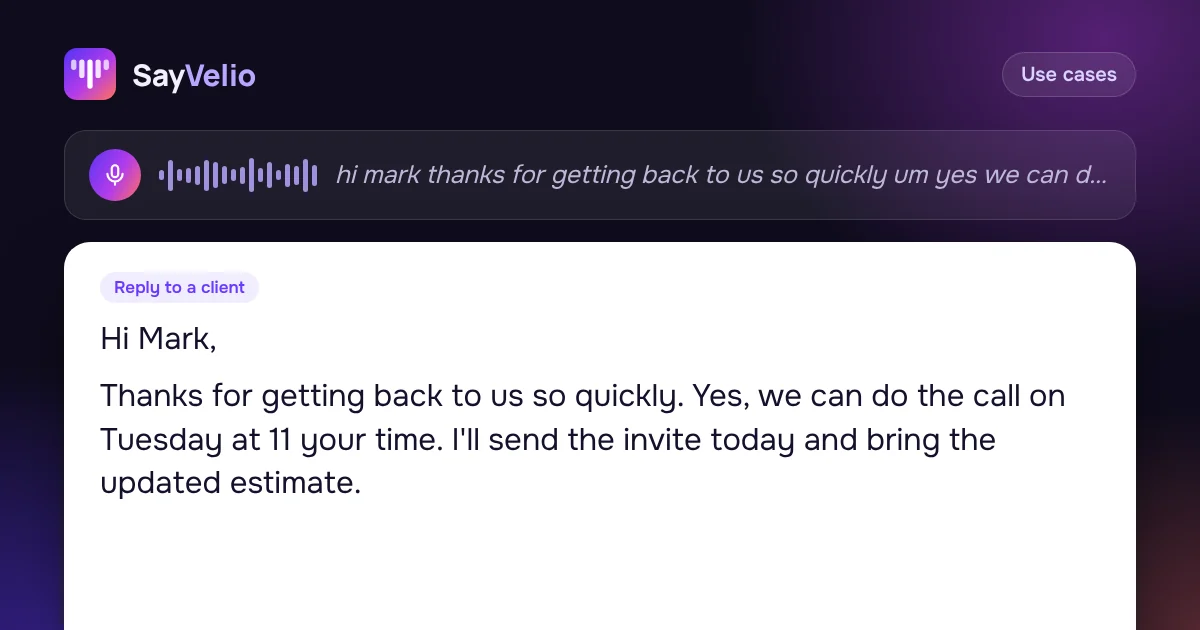 Use cases
How to write emails 3× faster by voice
Dictate emails in Gmail, Outlook or Apple Mail and get clean, polite text: a simple structure to speak in, five real examples, and a style that makes every email sound right.
MacWindowsiPhoneAndroid