
What makes a good voice typing interface
Recognition accuracy is only half of dictation. A good voice interface shows when it's listening, separates provisional text from final text, inserts at the cursor and makes mistakes cheap to fix. Here's what to look for, and when a keyboard is still better.
In short
A good voice typing tool makes three things obvious: when the microphone is on, whether the text is still changing, and how to fix a mistake. It writes into the field you're already in, never acts on its own, and keeps a way back if something goes wrong. Speech is faster than typing for most text, but not everywhere: open offices, private topics and code-heavy work can still favor the keyboard.
You said
groceries first oat milk second eggs third coffee beans
SayVelio typed
Groceries:
- Oat milk
- Eggs
- Coffee beans
Voice is another input, not a replacement
A voice interface adds a speech channel to what you already use: keyboard, mouse, touch screen and text editor. It saves the most time on longer text: emails, messages, notes, prompts for AI tools. For short edits, precise punctuation or code, the keyboard often stays faster.
It also doesn't fit every place. In a shared office you may not want to dictate a private message, and in a meeting you can't talk at all. Accessibility benefits are real for many people, but they depend on the actual controls, not on the fact that an app "has voice".
1. Make the recording state impossible to miss
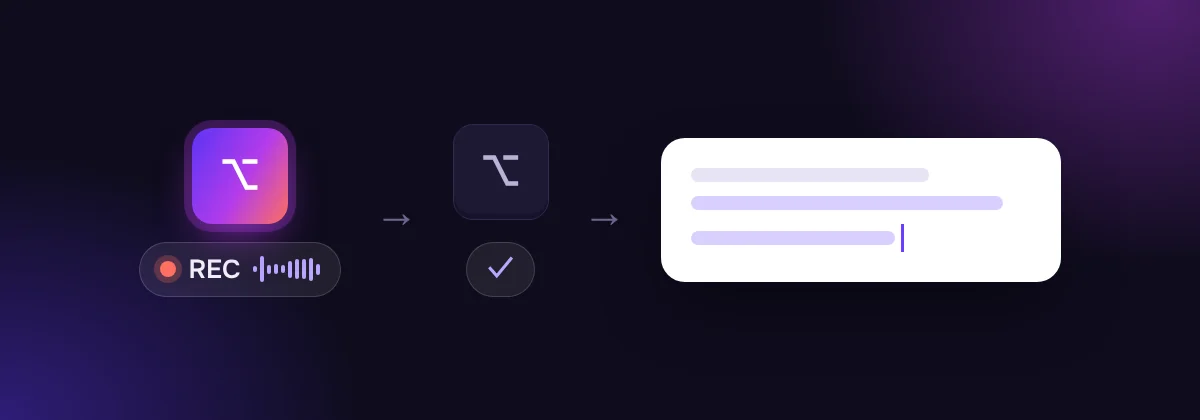
You should always know whether the microphone is listening. The clearest pattern is a visible indicator while recording, and a physical action that starts and stops it.
Hold-to-talk is the simplest version: recording runs exactly while you hold a key and stops when you let go. There's no doubt about when it's on, and no risk of it listening longer than you meant. In SayVelio that's right ⌥ on a Mac and right Ctrl on Windows by default; on iPhone and Android it's the microphone button on the SayVelio keyboard.
2. Separate "still changing" from "final"
Apps that show words while you speak have to deal with corrections: the end of a sentence can change how its beginning should read. A good interface makes provisional text look provisional (gray, underlined, in a separate bubble) so you don't start editing words that are about to change.
The other approach is to insert only the final text once you stop. You wait a moment longer, but what lands in your document doesn't shift under your cursor.
3. Write where the user is
The most useful place for dictated text is exactly where you were about to type: at the cursor, in the app you're using, with the formatting that fits that app. Copying text from a separate dictation window is extra work every single time.
Inserting at the cursor also means respecting the field. Text goes into the text field you clicked; it shouldn't press Send, run a command or submit a form for you. Inserting text and taking actions deserve different expectations and different safeguards.
4. Make mistakes cheap to fix
Recognition will sometimes be wrong, especially with names, numbers and "not". What matters is how quickly you can recover:
- Read before it counts. Text that will be sent, signed or paid should be visible and editable before anything happens.
- Fix only the wrong word. Select it and retype it or dictate it again, instead of repeating the whole paragraph.
- Keep a history. If text didn't land because you clicked away, you should be able to get it back. SayVelio keeps your recent dictations in History with a Copy button.
- Teach it once. If the same word keeps coming out wrong, add it to the dictionary rather than correcting it every day.
5. Respect permissions and context
A dictation app needs microphone permission and, on computers, permission to type into other apps. It should ask for exactly that and explain why. On phones, a keyboard that dictates shouldn't work in password fields, and SayVelio's keyboard doesn't.
Tip
The best way to judge a dictation tool is a normal workday, not a demo sentence. Dictate your real emails and messages for a few days and count how often you have to fix something. The guide to dictating well helps you get the most out of those days.
Questions
Is dictation faster than typing?
For most people and most text, yes. In a Stanford study, speech input on a phone was about three times faster than typing on the on-screen keyboard. Details and sources are in how accurate voice typing is.
Can I dictate into any app?
On Mac and Windows, SayVelio types into any app where you can place a text cursor. On iPhone and Android it works wherever you can switch to the SayVelio keyboard.
Related reading
 Getting started
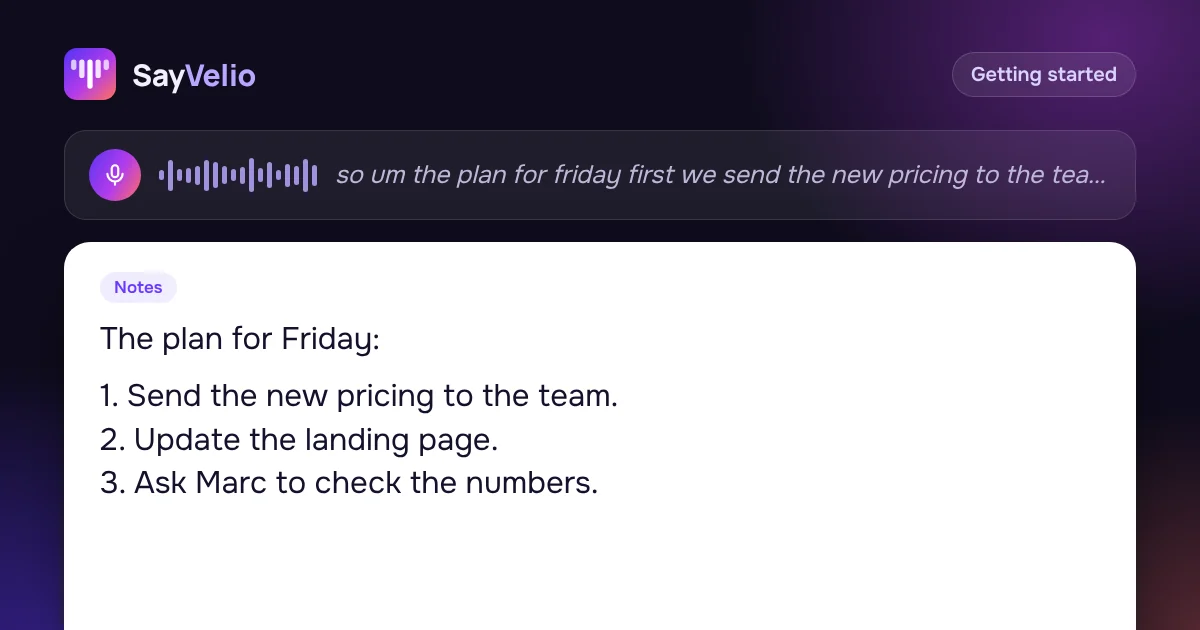
How to dictate well: 9 habits for clean voice typing
How to speak so dictation gets it right the first time: hold the key, say whole thoughts, correct yourself out loud, dictate lists, and what to do when a word comes out wrong.
MacWindowsiPhoneAndroid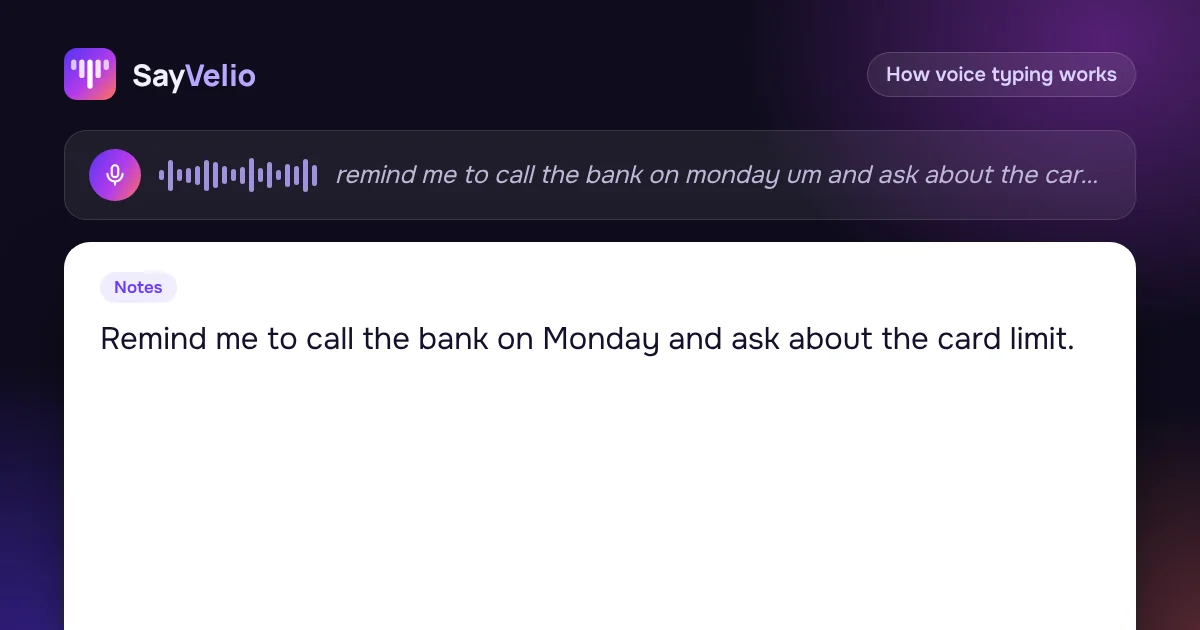 How voice typing works
What voice typing is: the path from your voice to text on screen
Voice typing, transcription and voice control are three different things. Here is what dictation actually does, the stages between microphone and cursor, and where each of them can run.
MacWindowsiPhoneAndroid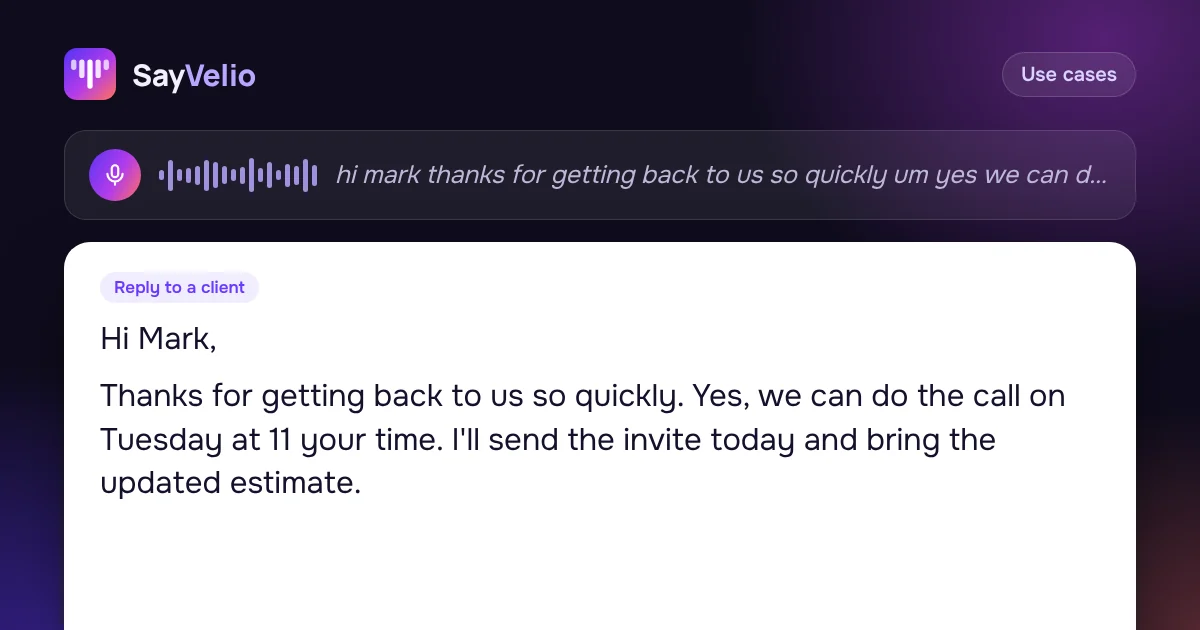 Use cases
How to write emails 3× faster by voice
Dictate emails in Gmail, Outlook or Apple Mail and get clean, polite text: a simple structure to speak in, five real examples, and a style that makes every email sound right.
MacWindowsiPhoneAndroid