
What voice typing is: the path from your voice to text on screen
Voice typing, transcription and voice control are three different things. Here is what dictation actually does, the stages between microphone and cursor, and where each of them can run.
In short
Voice typing turns what you say into editable text in the field where your cursor is. On the way, the sound is captured and digitized, a speech recognition model guesses the most likely words, and an optional cleanup step adds punctuation and removes filler words. Each stage can run on your device or on a remote service, and each one affects accuracy, speed and privacy in its own way.
You said
remind me to call the bank on monday um and ask about the card limit
SayVelio typed
Remind me to call the bank on Monday and ask about the card limit.
Three things people call "voice to text"
People use one phrase for three different jobs, and it helps to keep them apart:
- Dictation (voice typing) puts text you can edit into an app: an email, a chat, a document. You speak instead of typing, and you stay in control of the result.
- Transcription produces a written record of speech that already happened: a meeting, an interview, a lecture. Nobody is waiting at a cursor.
- Voice control uses recognized speech to do something: open an app, send a message, set a timer. The words are a command, not text.
All three use speech recognition, but having one doesn't mean a product has the others. SayVelio is a dictation tool: it writes down what you say. It doesn't follow spoken commands and isn't a chatbot, so "tell Anna I agree" arrives as those exact words. The guide to dictating well shows how to phrase things so you get the text you want.
The path from microphone to cursor
Every dictation goes through roughly the same chain. Some systems merge steps, show partial words while you're still speaking, or skip the optional ones, but the order of information is the same:
- Capture. The microphone turns air pressure into an electrical signal, and the device turns that into numbers. See how microphones capture speech.
- Preparation. The audio may be leveled, cleaned of echo or noise and split into pieces. See noise suppression and voice detection.
- Recognition. A model estimates which words were said. See how speech recognition works.
- Cleanup (optional). Punctuation, capitals, numbers and paragraphs are added, filler words removed. See from transcript to text.
- Review and insertion. The text lands at your cursor, where you can read and fix it. See what makes a good voice interface.
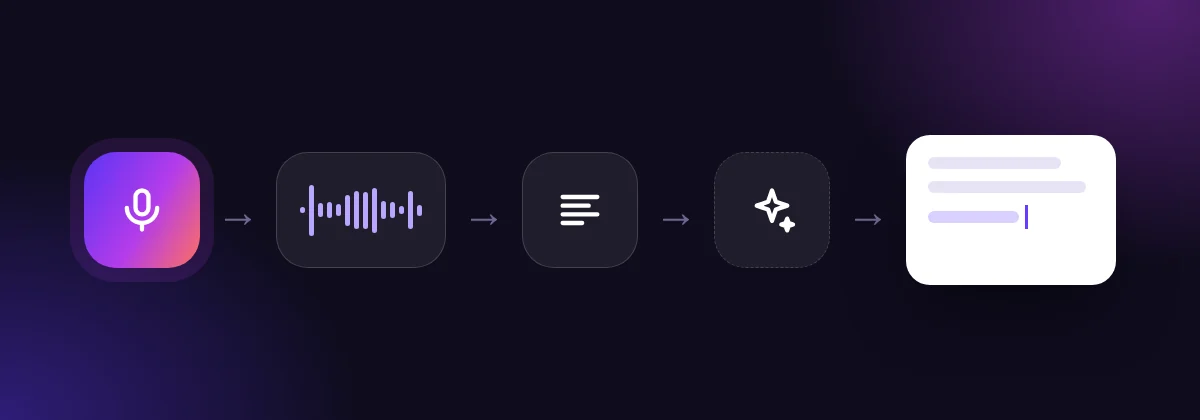
The result is a best guess, not a recording of your intent
Recognition is statistical. The system picks the word sequence that best fits the sound and what it learned from millions of examples, so the output can read perfectly well and still differ from what you said, especially with names, numbers and rare terms. That's why good dictation tools let you teach them words (a dictionary) and keep the text easy to check and correct.
Where each stage runs
Each step can run on your device, on a remote service, or partly on both:
- On a remote service, the recording is sent over an encrypted connection to a speech recognition provider, which returns text. This gives you the largest, most accurate models.
- On the device, a model downloaded to your computer or phone does the recognition, so nothing leaves the device and it works without internet. Local models are usually smaller and slower on older hardware.
In SayVelio, the recording goes straight from your device to the speech recognition provider, and if cleanup is on, the transcript goes to the language model provider; our servers never receive your recordings or text. You can also download an optional offline model on Mac, Windows, iPhone and Android and dictate with no connection at all (offline dictations skip cleanup). The details are in privacy in voice typing.
What changes the quality of the result
Accuracy, speed and privacy depend on different links in the chain:
- Accuracy depends mostly on the microphone, the room and the recognition model, plus any hints such as a dictionary.
- Formatting depends on the cleanup step: how numbers, lists and punctuation are written.
- Speed depends on the length of the recording, the network and whether cleanup runs. The dictation modes let you trade some polish for speed.
- Privacy depends on which parties receive the audio and text, and what each one keeps.
Questions
Can voice typing work entirely offline?
Yes, if the recognition model runs on the device. Many apps depend on a network service instead, so being able to record without internet doesn't mean an app can transcribe without it. SayVelio offers an optional offline model on all four platforms.
Is voice typing the same as a voice assistant?
No. A voice assistant interprets what you say as a request and acts on it. Voice typing writes down your words so you can edit and send them yourself.
Related reading
 How voice typing works
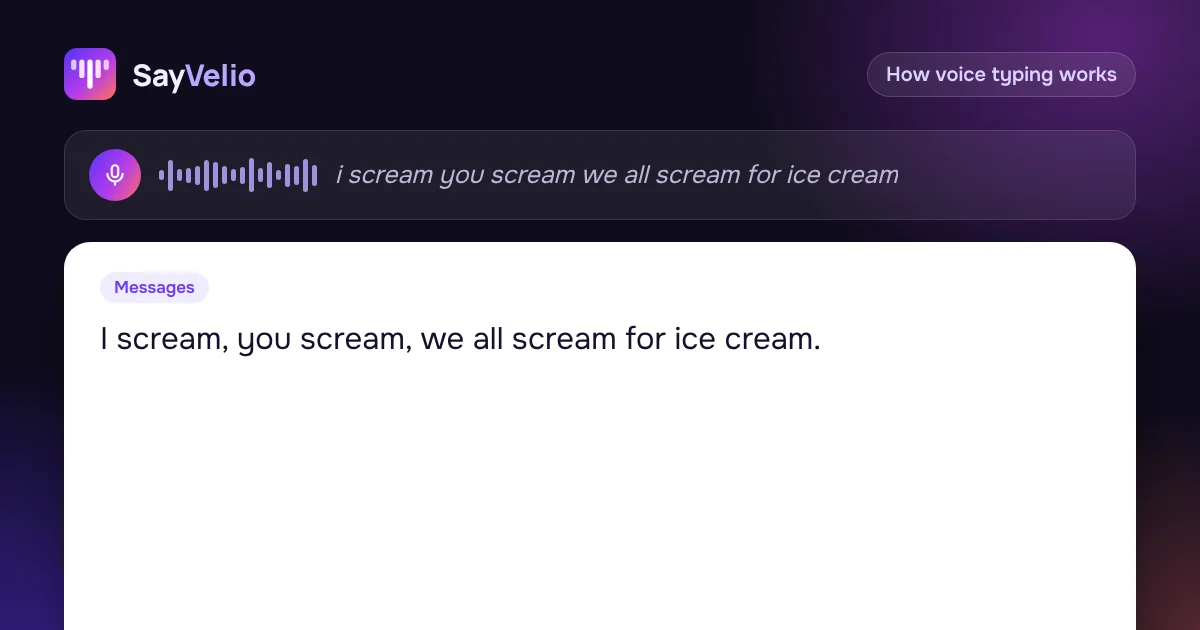
How speech recognition turns sound into words
Why speech is hard for computers, how classic recognizers with acoustic, pronunciation and language models worked, what end-to-end models (CTC, encoder-decoder, transducers) changed, and why streaming text can change while you speak.
MacWindowsiPhoneAndroid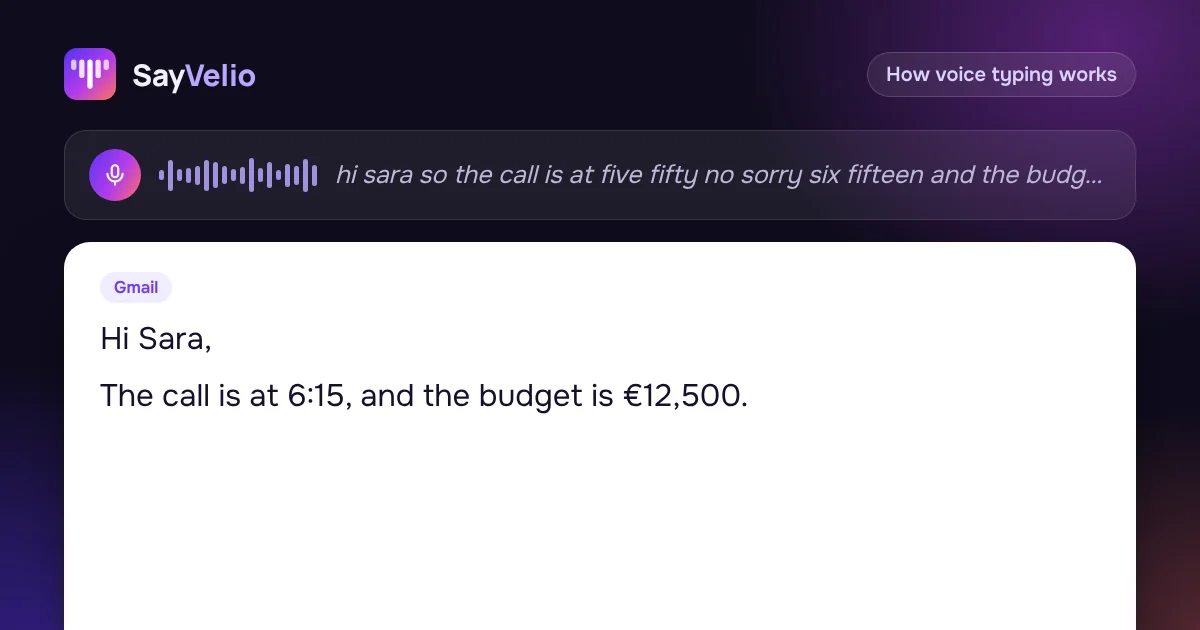 How voice typing works
From raw transcript to readable text: punctuation, numbers and cleanup
Why a raw speech transcript isn't ready to send, how punctuation, capitals, numbers and lists get added, why "five fifty" is ambiguous, and how to keep a cleanup step from changing your meaning.
MacWindowsiPhoneAndroid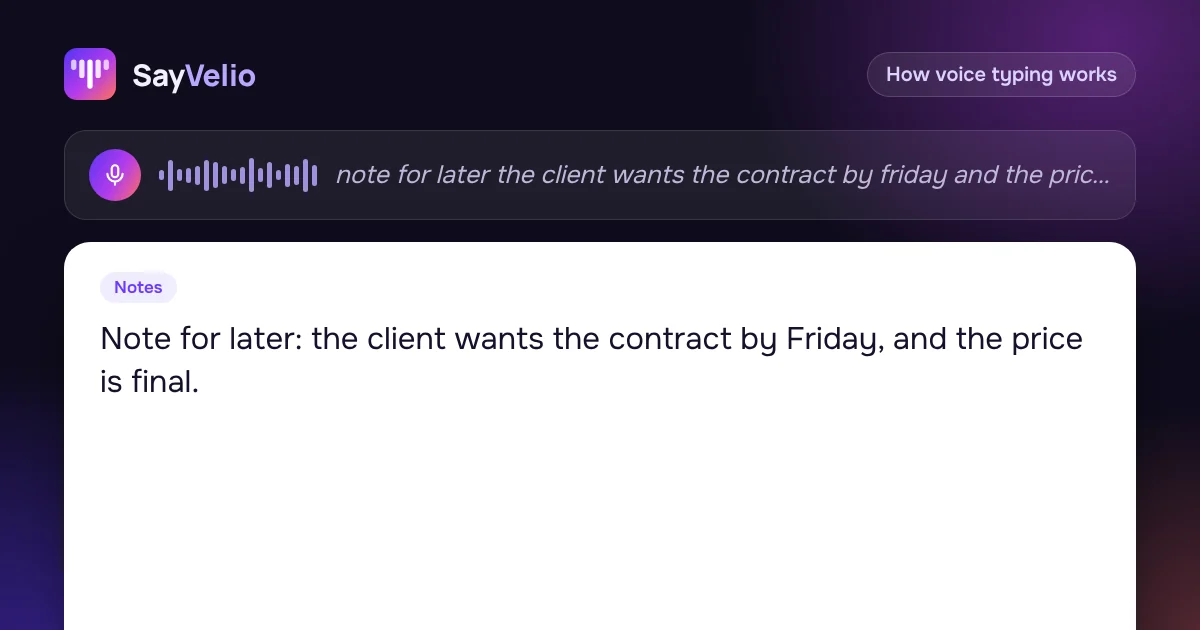 How voice typing works
Where your voice goes: privacy and security in voice typing
How to read privacy claims about dictation: which parties receive audio and text, what encryption in transit does and doesn't protect, what stays on your device, and exactly how SayVelio routes your recordings.
MacWindowsiPhoneAndroid