
Dictating in two languages: mix English terms into your own language
How SayVelio handles bilingual speech: language detection on every dictation, English terms kept as they are, no translation, and how the dictionary and app styles keep mixed text right.
In short
Speak the way you really talk at work, even if half the terms are English. SayVelio detects the language of every dictation by itself, keeps each word in the language you said it in and never translates. Add product names and team jargon to the dictionary, and use a code style where commands must stay exact.
You said
ok so the standup is at ten and then um como siempre we go through the backlog and close the old tickets
SayVelio typed
OK, so the standup is at 10, and then, como siempre, we go through the backlog and close the old tickets.
Most people don't speak one language at work
A lot of us think in one language and work in another. A Spanish product manager says "backlog", "deadline" and "release" in the middle of Spanish sentences. A developer in Berlin says "pull request" and "merge" in German. Many dictation tools force you to pick one language and then turn every English word into nonsense.
SayVelio recognizes 57 languages and detects the language on every dictation. You don't switch anything: say one message in English, the next one in Spanish, and a third one in a mix of both.
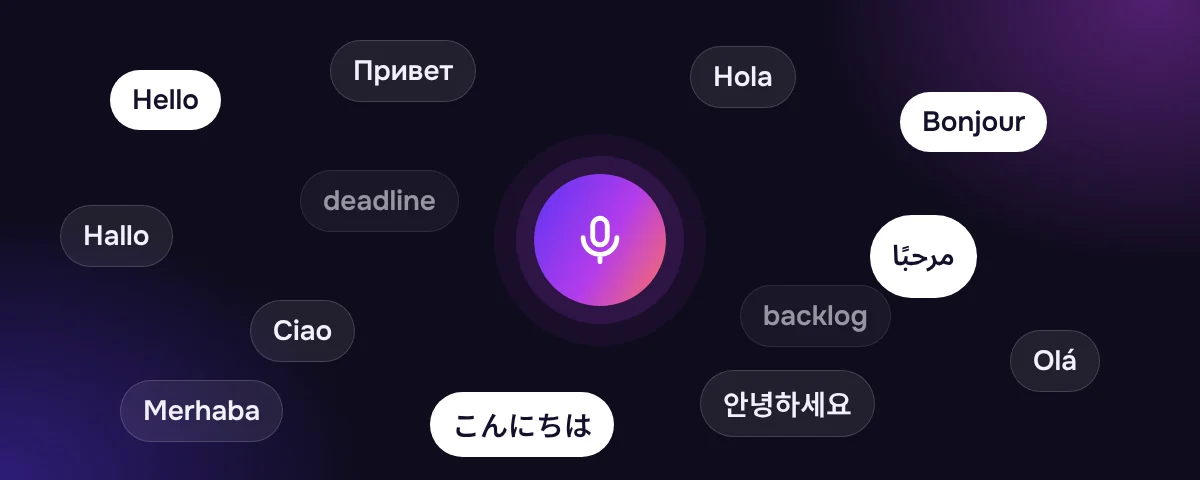
What happens to mixed sentences
- Each word stays in its language. "Close the old tickets, por favor" arrives exactly like that.
- Nothing is translated. Cleanup has a firm rule: keep the language you spoke. A Spanish sentence with English terms stays a Spanish sentence with English terms.
- English terms keep their spelling. "Backlog", "pull request" and "onboarding" are written the normal way, in Latin letters, even inside a sentence in another alphabet.
- Punctuation follows the main language. Cleanup uses the punctuation rules of the language most of the sentence is in.
Teach it your mixed vocabulary
The words most likely to come out wrong in mixed speech are product names, company names and team jargon. Add them to the dictionary once. If a term keeps coming out as a "native" spelling (for example, a Cyrillic or Arabic version of an English word), add exactly that spelling as a variant, and SayVelio will replace it with the right one.
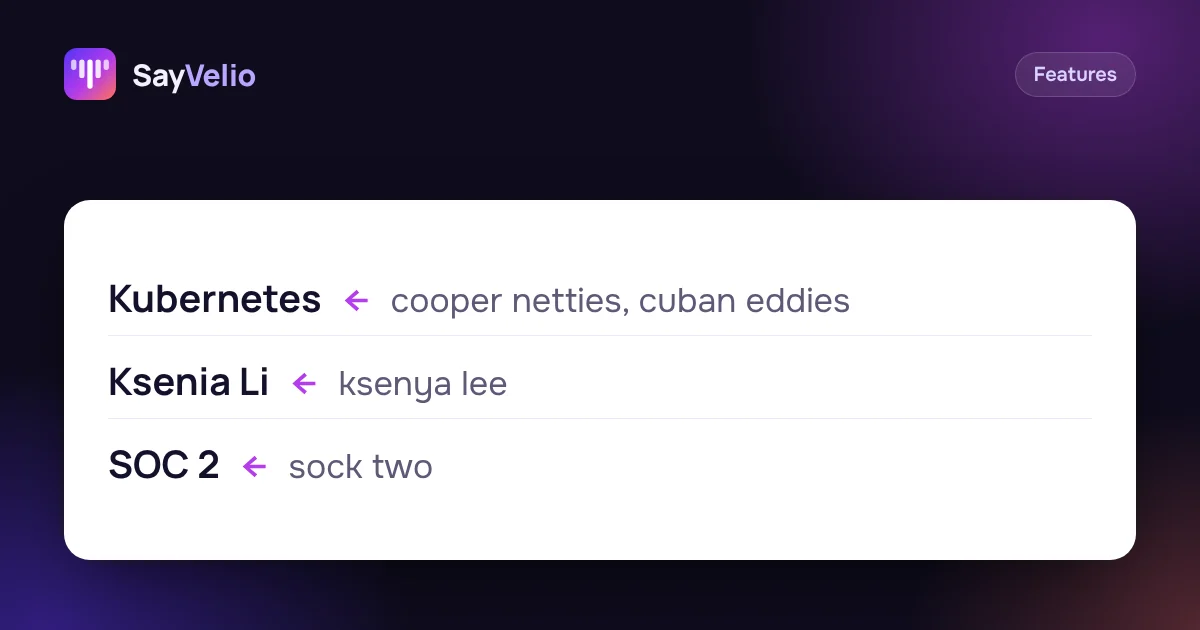 GuideCustom dictionary: teach dictation your names, brands and jargonWhat to add to your SayVelio dictionary and what to leave out, how to fix a word that keeps coming out wrong, and why a short dictionary beats a long one.
Code and commands stay exact
In code editors and terminals, the built-in Code and terminal style keeps function, file and command names exact and in Latin letters, even if you explain them in another language. You can say "rename the function get user in user service" in your own language and the names come out as code.
Tips for bilingual dictation
- Say whole sentences. A full sentence gives the recognition more to go on than two isolated words.
- Don't slow down for the English words. Say them the way you normally do in conversation.
- Want everything in one language? Dictate it in that language. SayVelio writes down what you say; it doesn't translate it for you.
- Set the rule once. If your team writes "e-mail" rather than "email" or always uses English for product terms, add a line to your main prompt. See the cleanup prompts guide.
Questions
Do I need to choose a language in the settings?
No. SayVelio detects the language of each dictation by itself.
Will SayVelio translate my text into English?
No. It never translates. The text stays in the language or languages you spoke.
Which languages can I mix?
Any of the 57 languages SayVelio recognizes. The most common case is your native language plus English terms.
Does it work on the phone?
Yes. On iPhone and Android, dictate through the SayVelio keyboard; language detection works the same way.
Related reading
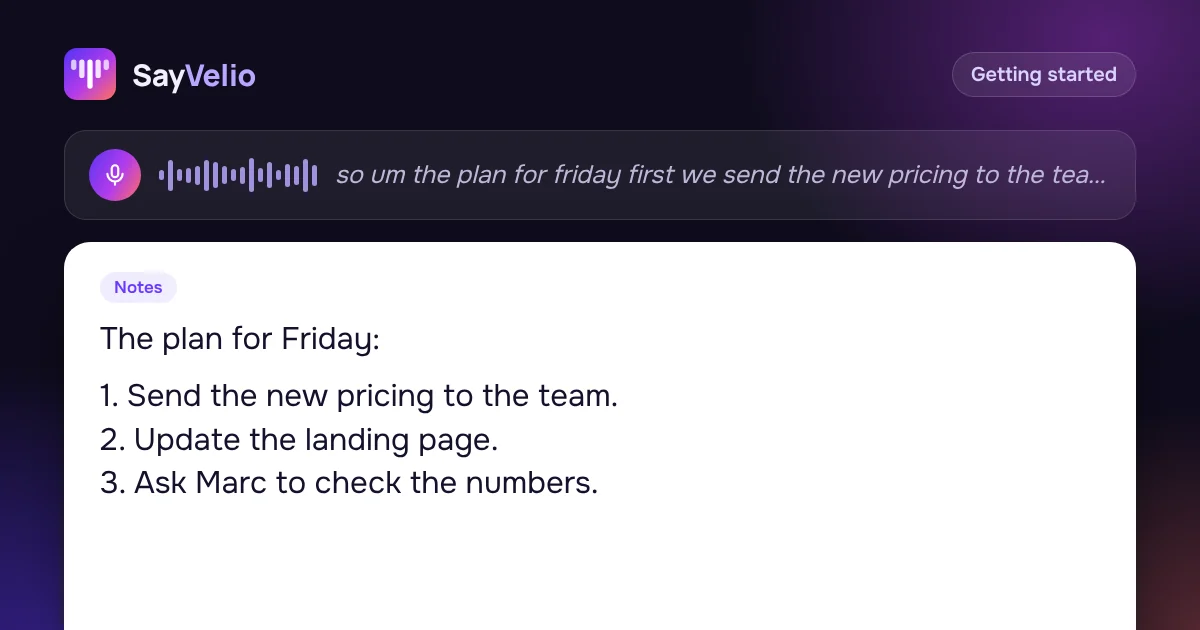 Getting started
How to dictate well: 9 habits for clean voice typing
How to speak so dictation gets it right the first time: hold the key, say whole thoughts, correct yourself out loud, dictate lists, and what to do when a word comes out wrong.
MacWindowsiPhoneAndroidFeaturesCustom dictionary: teach dictation your names, brands and jargon
What to add to your SayVelio dictionary and what to leave out, how to fix a word that keeps coming out wrong, and why a short dictionary beats a long one.
MacWindowsiPhoneAndroid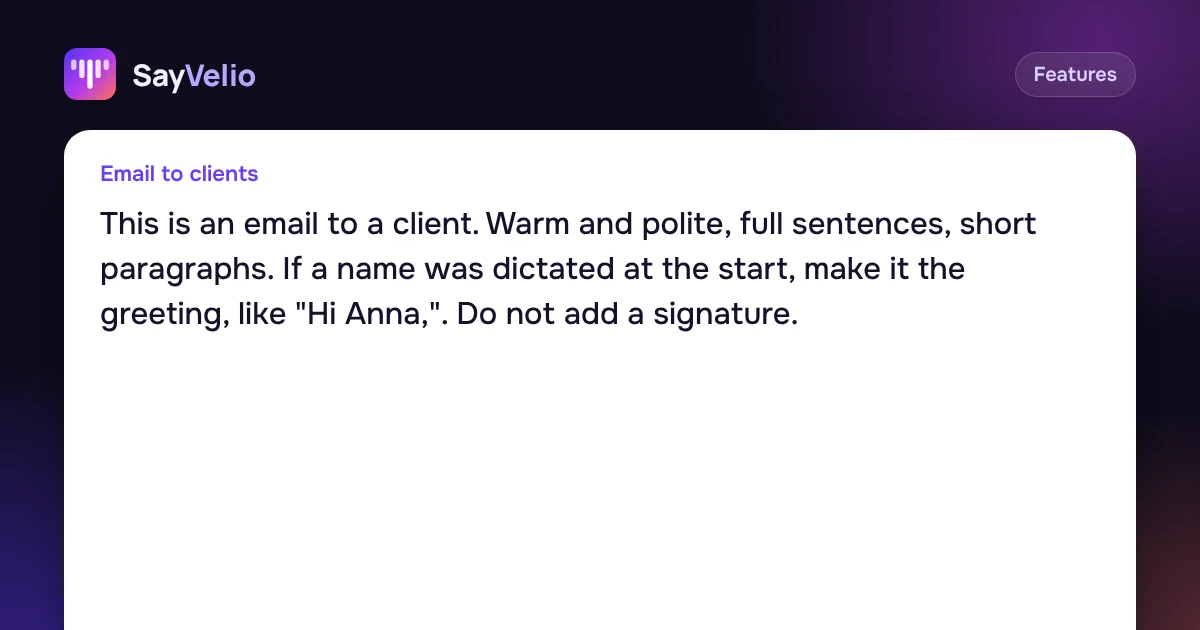 Features
Cleanup prompts: one main prompt and a style for each app
How SayVelio turns speech into clean text, how to change the main prompt, and how to give email, chats, code and notes their own style, with examples to copy.
MacWindowsAndroid